

Inkscape VS Illustrator VS CorelDraw | 2019 Comparison
Inkscape VS Illustrator VS CorelDraw | 2019 Comparison https://logosbynick.com/wp-content/uploads/2018/12/inkscape-vs-illustrator-vs-coreldraw-2-1024x602.png 1024 602 Nick Saporito https://secure.gravatar.com/avatar/8e31bf392f0ba8850f29a1a2e833cdd020909bfd44613c7e222072c40e031c34?s=96&d=mm&r=gWhen it comes to vector design, the big three applications are Inkscape, Illustrator, and CorelDraw. All three are excellent options and are completely capable of handling raw design needs, but the one that you should use depends on you and your own personal needs. In today’s post I’ll be comparing Inkscape vs Illustrator vs CorelDraw — both the pros and cons of each — so you can decide for yourself.
Inkscape

Inkscape is an open source vectors graphics application available for all major operating systems, and it has been my preferred vector graphics tool since I started back in 2012. Don’t let the fact that it’s free fool you into thinking of it as anything less than professional. This isn’t MS Paint. Inkscape is capable of virtually anything any other vector design software is capable of from a design standpoint.
Pros
✅ Cost: It’s hard to beat free. Inkscape is a great option if you’re just starting out and have no money to invest.
✅ Less CPU Demands: Inkscape is a very lightweight application that will run good enough on low-end computers with outdated hardware.
✅ Intuitiveness: This is just my own opinion, but Inkscape’s UI and functionality seem slightly more intuitive than Illustrator’s. A good example of this would be editing gradients on the canvas. It just functions in a more natural way in Inkscape.
✅ Versatility: Works on all operating systems, including Linux. In fact, it runs best on Linux in my experience.
✅ Community: Inkscape is made by volunteers who are passionate about their work and put principles and values over profit. This makes for a supportive grass roots community that feels good to be a part of.
Cons
❌ Lack of CMYK Support: No ability to output files in a CMYK color format, making Inkscape not a very good choice for designing anything needing to be printed.
❌ Instability: You’ll regularly experience bugs and glitches.
❌ Cross Platform: Since Adobe is the industry standard, Adobe’s proprietary formats tend to be what’s most commonly used by designers and clients. This can pose a problem when someone else wants to send you an Adobe file for you to work on.
❌ Employment: Hardly used by any design studios or agencies, meaning your Inkscape skills probably won’t land you a traditional job.
Who should learn Inkscape?
- An aspiring freelancer who has no immediate plans to seek traditional employment at a design studio or agency.
- Online business owners (bloggers, Instagram influencers, YouTubers, Amazaon sellers, etc.) whose focus is not design, but may occasionally need simple DIY graphics to supplement their work.
- Anyone using a low-end computer that would struggle with more comprehensive applications like Illustrator.
- Anyone who deals primarily with digital design and will not need to design for print.
Adobe Illustrator
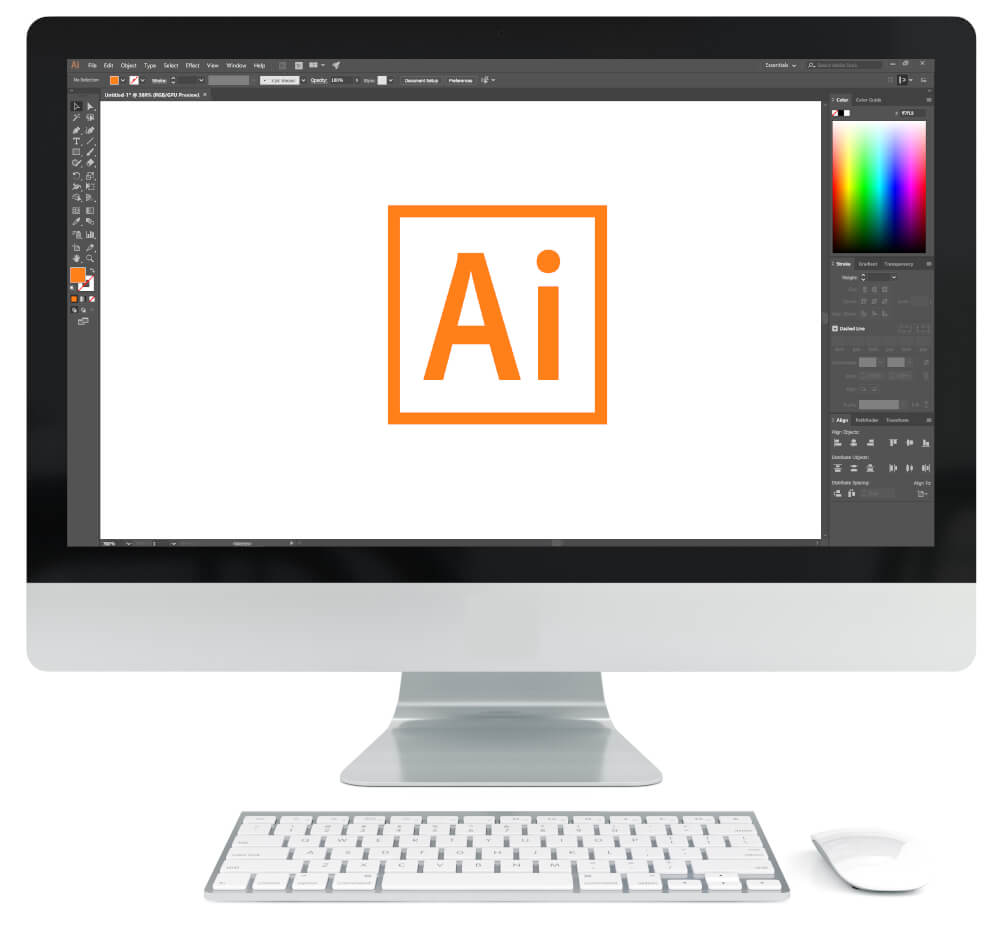
Illustrator is a vector graphics application by Adobe. It is widely recognized as the industry standard tool for vector design and is used by the overwhelming majority of studios, agencies, and professional designers.
Pros
✅ Employment Opportunities: Since Illustrator is the industry standard for vector design, there’s more upside to learning it over any other vector application. It’s what most employers and institutions use. Knowing how to use the Adobe software will put you in a great position to qualify for employment as a graphic designer.
✅ Extensive Features: Although Illustrator doesn’t do anything that the other vector tools can’t also do, it does have some neat features that can automate some of your work and save time that would otherwise be spent doing it manually. A good example of this would be working with multiple art boards — something I always wished Inkscape had.
✅ Development: Since Adobe is the industry leader, innovative new features and tools tend to debut on Illustrator before they eventually make their way over to the alternatives.
✅ Proprietary Formats: Adobe’s proprietary formats (.ai, .psd, etc.) tend to be what’s most commonly used by designers and requested by clients. Although there’s workarounds for opening and creating Illustrator files with Inkscape, it’s far from perfect because things sometimes get lost in translation. Having access to Adobe software means you’ll be able to work with proprietary files other designers and clients send you without a problem.
✅ Cross Platform Usability: One thing I love about the Adobe suite is how well all of its applications communicate with each other. Vector graphics created with Illustrator can very easily be imported into After Effects, Premiere Pro, Photoshop, etc. and worked with further.
Cons
❌ Price: Adobe software is sold as a service, meaning it’s an ongoing monthly expense. That’s a pretty big pill to swallow if design isn’t a big part of your job or business and you just need occasional graphics.
❌ Hardware Requirements: Requires high performance hardware in order to run well. As I wrote about recently, using Adobe software on a low-end machine is very frustrating. Not only will you need to fork over some dough for the software, but you’ll need to invest in a high performance machine as well.
❌ No Linux support: If you want to use the Adobe suite, you’ll have to do so on Windows or Mac.
Who should learn Illustrator?
- Anyone who wishes to be employed as a graphic designer at a design studio or agency.
- Students (Adobe gives discounts to students.)
- Aspiring freelancers who have money to invest in software and high performance hardware.
CorelDraw
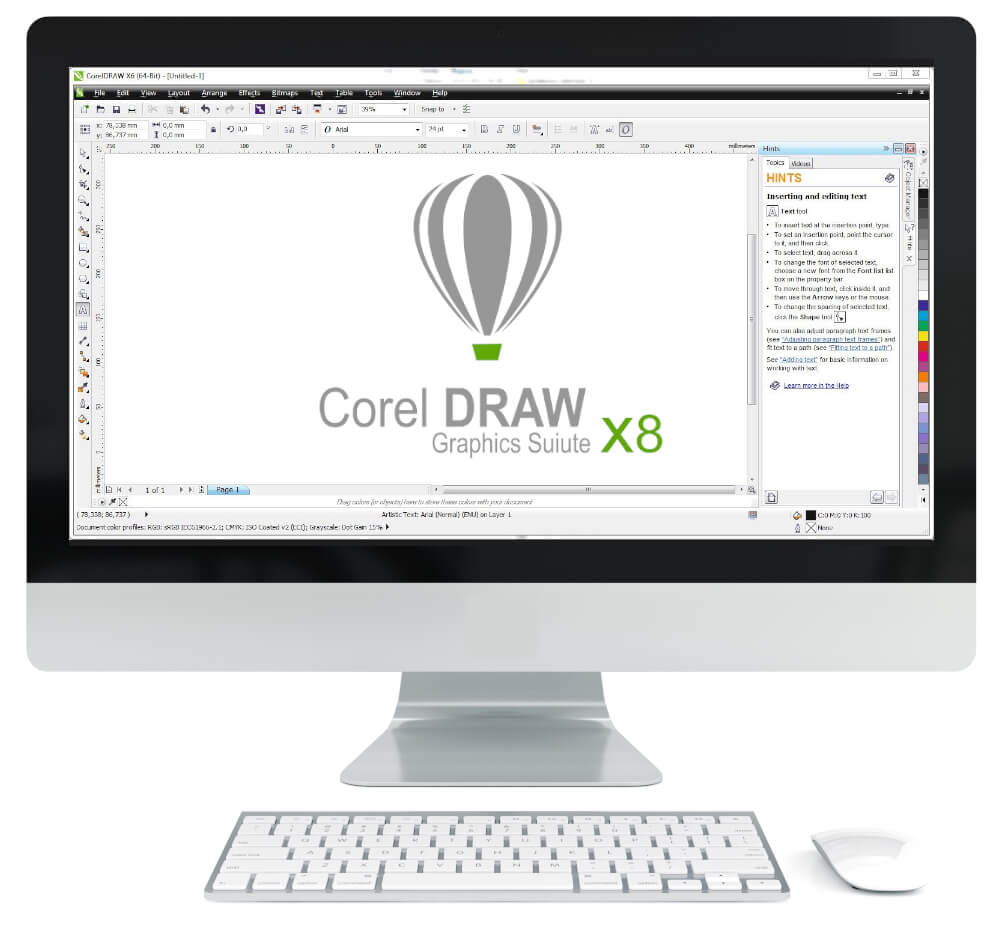
CorelDraw is a vectors graphics application by the Corel Corporation. Although I have little experience working with it, it does seem to be a nice middle-of-the-road option.
Pros
✅ Price: Although the CorelDraw suite comes with quite a substantial upfront cost (see current prices here,) it eventually becomes a better value than Adobe Creative Cloud if you use it long enough, because you only have to pay for it once and you own it for life (they do offer a subscription plan if you’d prefer that though.)
✅ CMYK Output: Unlike Inkscape, CorelDraw allows you to create print-ready files in CMYK format like Illustrator does, but without its price tag.
✅ Design at Scale: According to some print shop owners I’ve talked to, they tend to prefer CorelDraw because apparently it has a much larger canvas than Illustrator, meaning you can design large signs and banners at scale.
✅ Employment Opportunities: In my experience CorelDraw is the preferred application used by most sign shops, so becoming proficient with it can help land you a job at a local sign shop.
Cons
❌ Employment Opportunities: Yes, this is both a pro and a con. Knowing how to use CorelDraw will qualify you to work at sign shops and the like, but that’s about it. Most everyone else demands proficiency with the Adobe suite.
❌ Windows Only: According to Corel’s website, CorelDraw is currently not on its list of Mac-compatible applications. This is the kiss of death for their hopes of ever taking significant market share from Adobe in my opinion because most creatives prefer Mac.
❌ Cross Platform: Much like Inkscape, you’ll have trouble working with Adobe’s proprietary formats.
Who should learn CorelDraw?
- Anyone who will work primarily with print and/or would potentially like to work at a sign shop.
- An aspiring freelancer who has some money to invest but would prefer something a little more economical than Illustrator to keep monthly expenses low.
Learn To Master The SoftwareGain a complete understanding of your favorite design apps with my comprehensive collection of video courses. Each course grants access to our private community where you can ask questions and get help when needed.
|
||||||||||||||||||||||||||||||||
 81 Videos
 11 Modules

You might also like


38 comments
-
-
Nick Saporito
It’s called Illustrator For Beginners. It’s inactive for now, but here’s the link anyway: https://www.youtube.com/channel/UC9OV3PevmfZt1k1jQDzWm0A
-
-
wildan
hi nick.
can u upload your inkscape course to udemy.com please.
i don’t have any methode for pay,
but with udemy.com, i can pay with pulse methode.
thanks.-
Nick Saporito
I initially looked into putting my courses on Udemy but I decided I didn’t want to do business with them. Sorry. If you’d like to pay any other way just send me an email and I’ll see if it’s something I can do. Thanks for your interest.
-
-
LINDA R JAMES
I just recently downloaded Inkscape and then discovered your videos!! SOOOO greatful for people who are so knowledgeable and willing to share their knowledge. I purchased a vinyl cutter a little over a year ago and it came with LXI software which I have used and enjoyed but I think learning Inkscape will make many things much easier. Once again a BIG thanks!!
-
-
Chandler
Thank you for the information. I’m looking into starting a home based t-shirt business with no clue on any of the programs. Which do you think would be best for me to start out?
-
Nick Saporito
Well Illustrator wouldn’t be necessary because you’re just designing t shirts and not looking to to do extensive client work or gain employment as a designer. You’ll want CMYK output since you’re designing for print, so I would recommend CorelDraw or even look into Affinity Designer. Last I checked Affinity is only $50 and would have everything you need. I don’t have any experience with it personally but I plan to try it out very soon. Good luck.
-
ated
Affinity is having a 50% discount until May 20. And 90 days trial for all three of their software
-
-
-
Paraxweb
just binged watch all of your content on youtube. As a software developer for more than 15 years I used to watch and read lots of online tutorials and without the doubt, you have one of the best methods to deliver the content. I had worked with inkscape and gimp for my projects a lot but I enjoyed even to watch you teaching the things I already knew.
such a magnificent job man. thank you-
Nick Saporito
Thanks! It’s always great to hear positive reinforcement from someone who’s already familiar with the software.
-


Comments are closed.
Kelvin
Whats your YouTube channel name for your illustrator tutorials?