

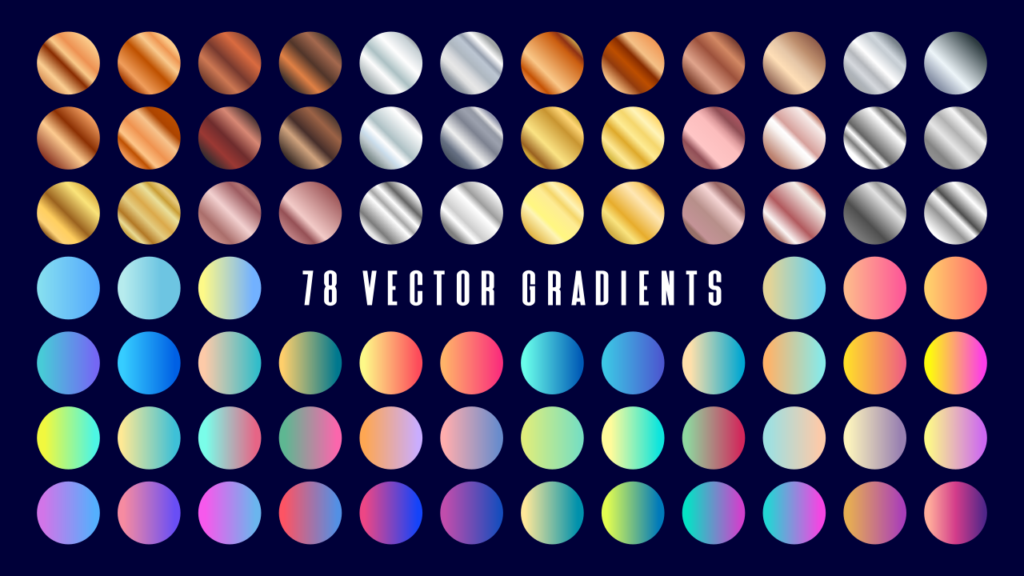
78 Free Vector Gradient Swatches for Download
78 Free Vector Gradient Swatches for Download https://logosbynick.com/wp-content/uploads/2026/08/header-1024x576.png 1024 576 Nick Saporito https://secure.gravatar.com/avatar/8e31bf392f0ba8850f29a1a2e833cdd020909bfd44613c7e222072c40e031c34?s=96&d=mm&r=gUse these premade gradient swatches to add depth and character to your vector artwork.
Below you’ll find a download link for a free bundle of 78 gradient swatches in vector format:
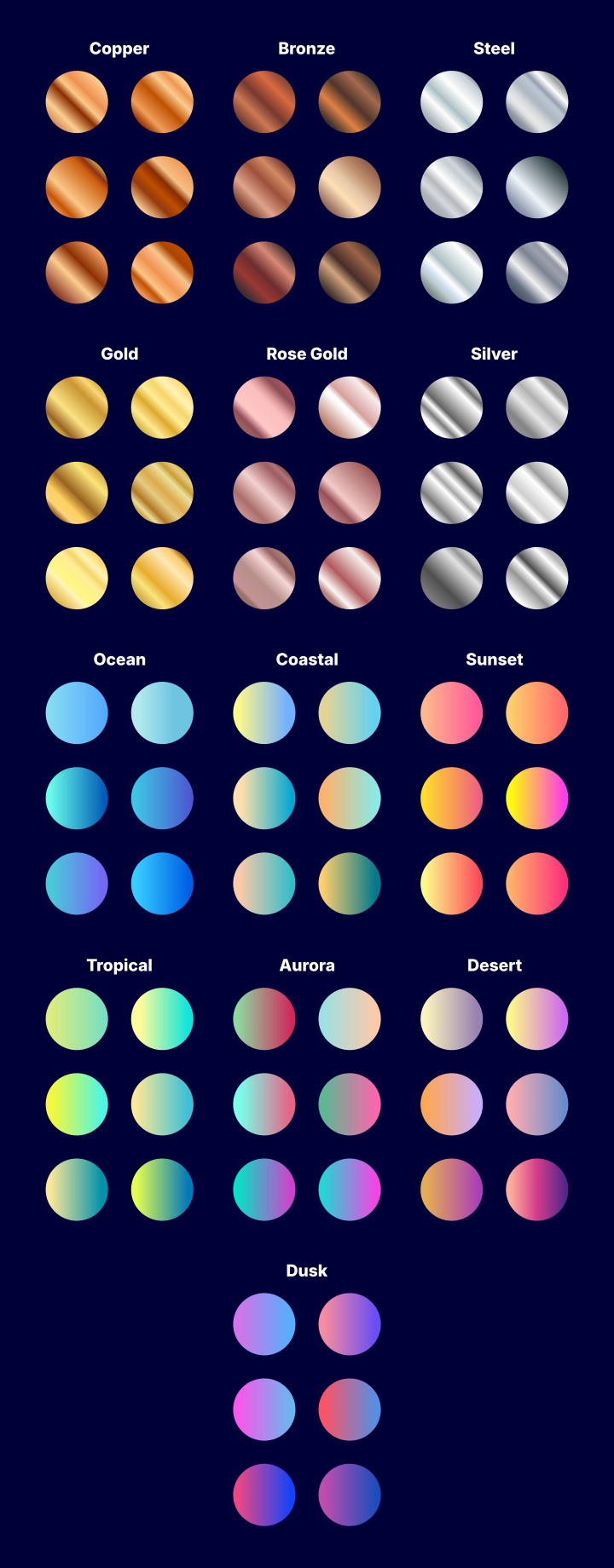
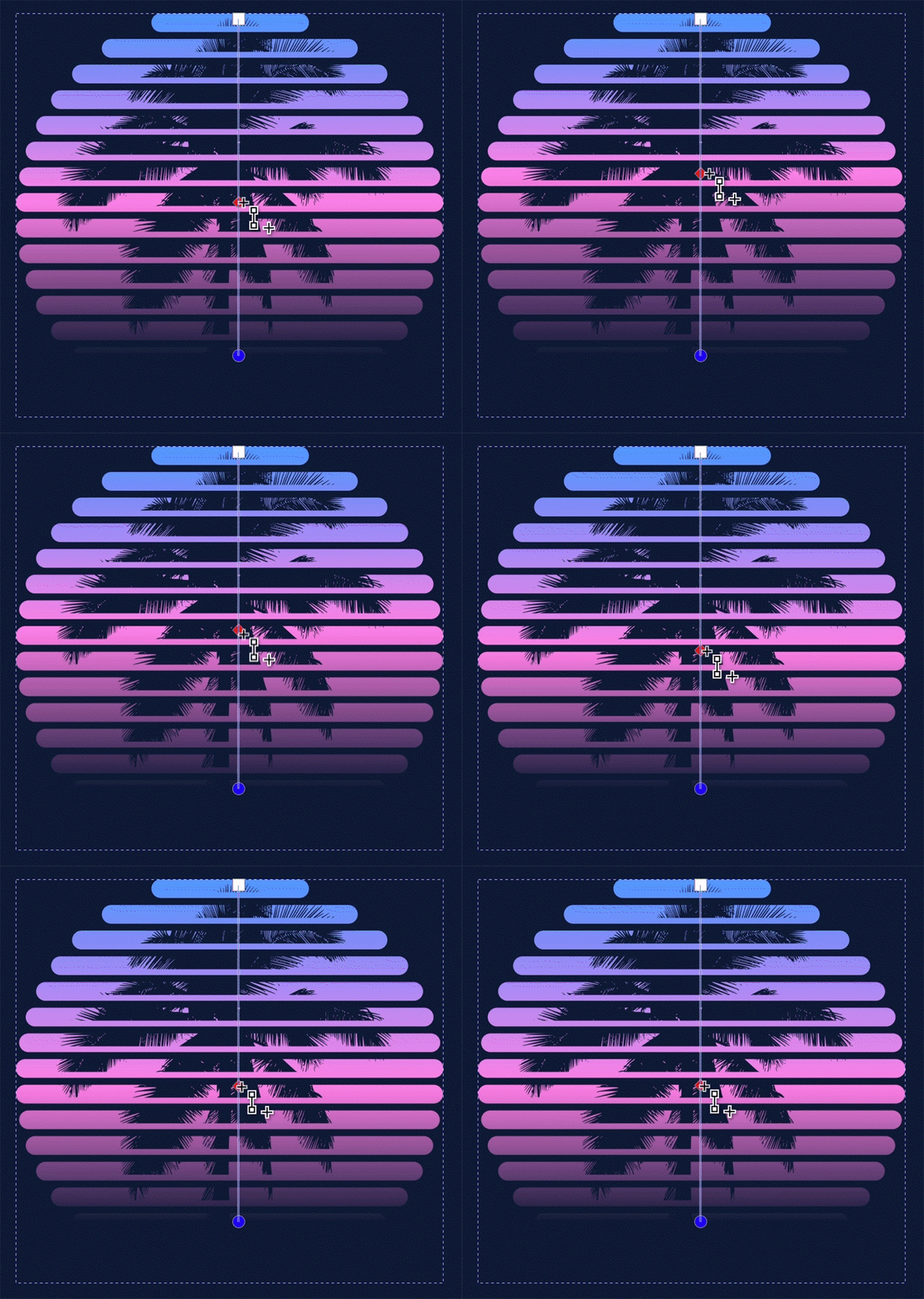
The swatches are simple vector objects with premade gradients applied, which makes it easy to use them with your artwork:
Included are three separate formats for the following applications:
- Inkscape (SVG)
- Illustrator (AI)
- Affinity (AF)
That said, the SVG file is a universal format, so it should work with any vector editor.
How To Use Them
Use premade gradients — regardless of the application you’re using — is as simple as copying one of the objects with the gradient you’d like to use, then pasting the style to the object you’d like to apply it to.
If you’re using them in Inkscape then they’re already organized and labeled by name in the gradients dropdown in the Fill & Stroke menu:
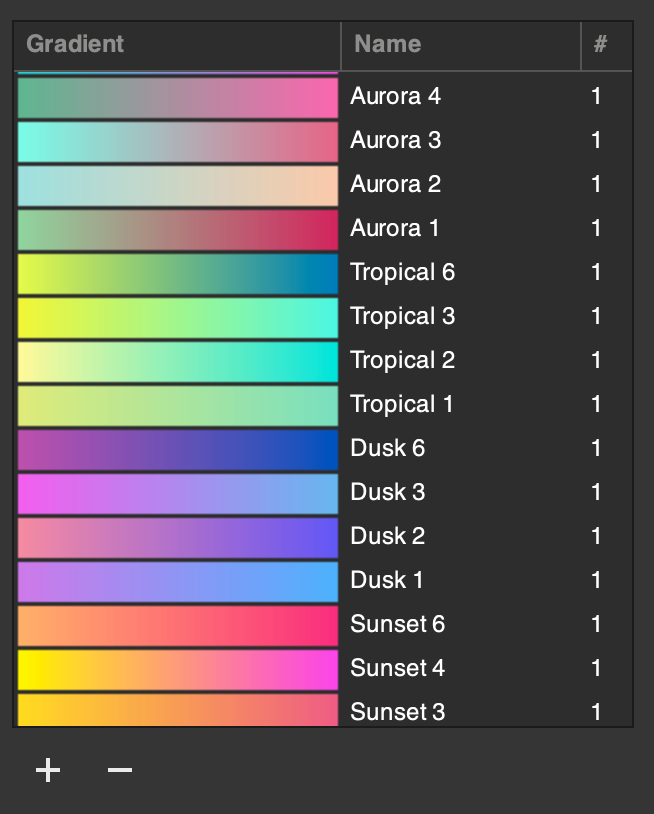
Simply save this file as a template and you’ll be able to grab them whenever you need them. And if you’d like a more in-depth demonstration on how gradients work in Inkscape, check out this tutorial.
There’s also a handy trick you can use to install these gradients in Inkscape so that there’s available every time you need them:
Free Download 👇
You can download this pack of gradient swatches for free using the following link: 78-gradient-swatches.zip
These swatches are free to use personally or commercially without any need for attribution. Use them however you like, and if you have any questions or feedback just leave a comment below!
Learn To Master The SoftwareGain a complete understanding of your favorite design apps with my comprehensive collection of video courses. Each course grants access to our private community where you can ask questions and get help when needed.
|
||||||||||||||||||||||||||||||||
 81 Videos
 11 Modules


You might also like

16 comments
-
-
-
-
-
-
-
Anonymous
Hi Nick I signed up for your Inkscape masterclass some time ago. Are there. Periodic changes made to the class has new features or added to Inkscape? If so, do I need to repurchase the class?
-
Nick Saporito
Hello, yes, I do add new lessons over time as the software changes. And no, you don’t need to enroll again. Your account should still be active, although I did migrate to a new platform recently. You can claim your account on the new platform using these instructions: https://logosbynick.com/course-access-moving/
-
-
-
-
-
-
-
-
-


Anonymous
I have learned SO much from you first in Inkscape and most recently in Affinity. Thanks for your putting together such quality training and materials!