

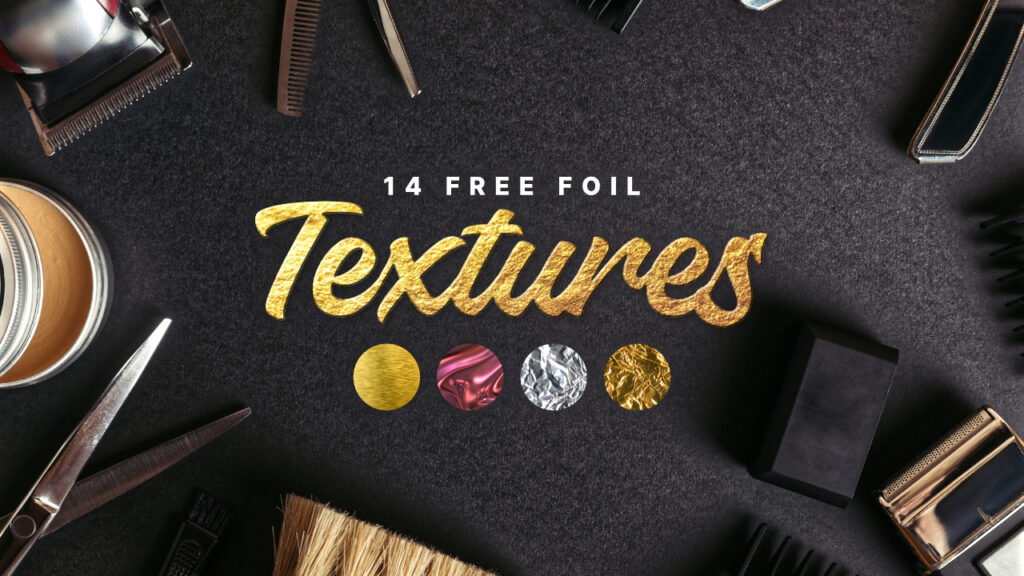
14 Free Shiny Foil Textures
14 Free Shiny Foil Textures https://logosbynick.com/wp-content/uploads/2026/07/header-1024x576.jpg 1024 576 Nick Saporito https://secure.gravatar.com/avatar/8e31bf392f0ba8850f29a1a2e833cdd020909bfd44613c7e222072c40e031c34?s=96&d=mm&r=gAdd a realistic metallic finish to your designs with this collection of 14 high-resolution foil textures.
These images can be used as clipping masks, overlays, or texture fills to simulate various metallic foil effects when designing header images, thumbnails, decorative text, packaging, labels, and more.
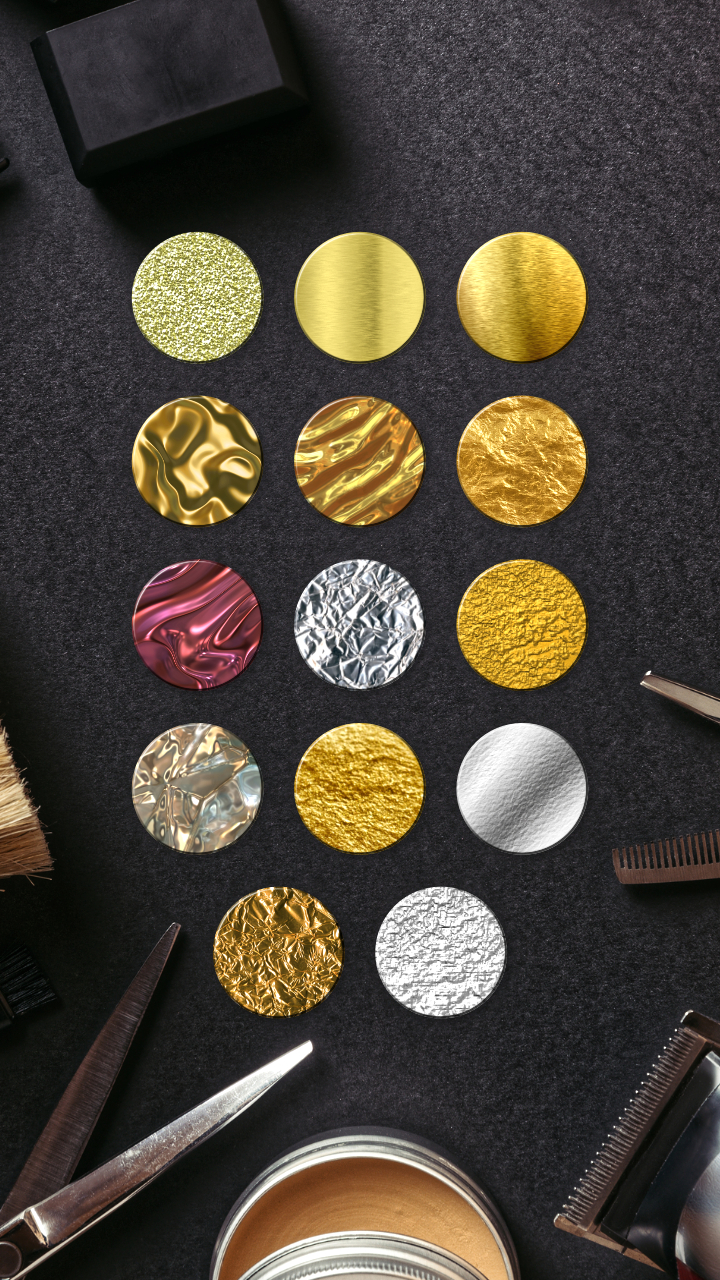
Included are several different foil styles, including:
- Gold foil
- Silver foil
- Rose gold foil
- Brushed metal
- Crumpled foil
- Wrinkled foil
- Additional metallic variations
Each texture is provided in high resolution, making them suitable for both digital artwork and print projects.
Whether you’re creating luxury packaging, eye-catching typography, or elegant branding, these textures can help you simulate a metallic effect without having to create it from scratch or hunt down texture images elsewhere.
Simply download the ZIP folder and save it locally for quick and easy access when needed.
How To Use Them
Texture images can be used with virtually any design application, including vector tools like Inkscape and Affinity.
In Inkscape, you can create a clipping mask with them by placing an object (such as text) on top of the foil image, selecting both, then go to:
Object -> Clip -> Set
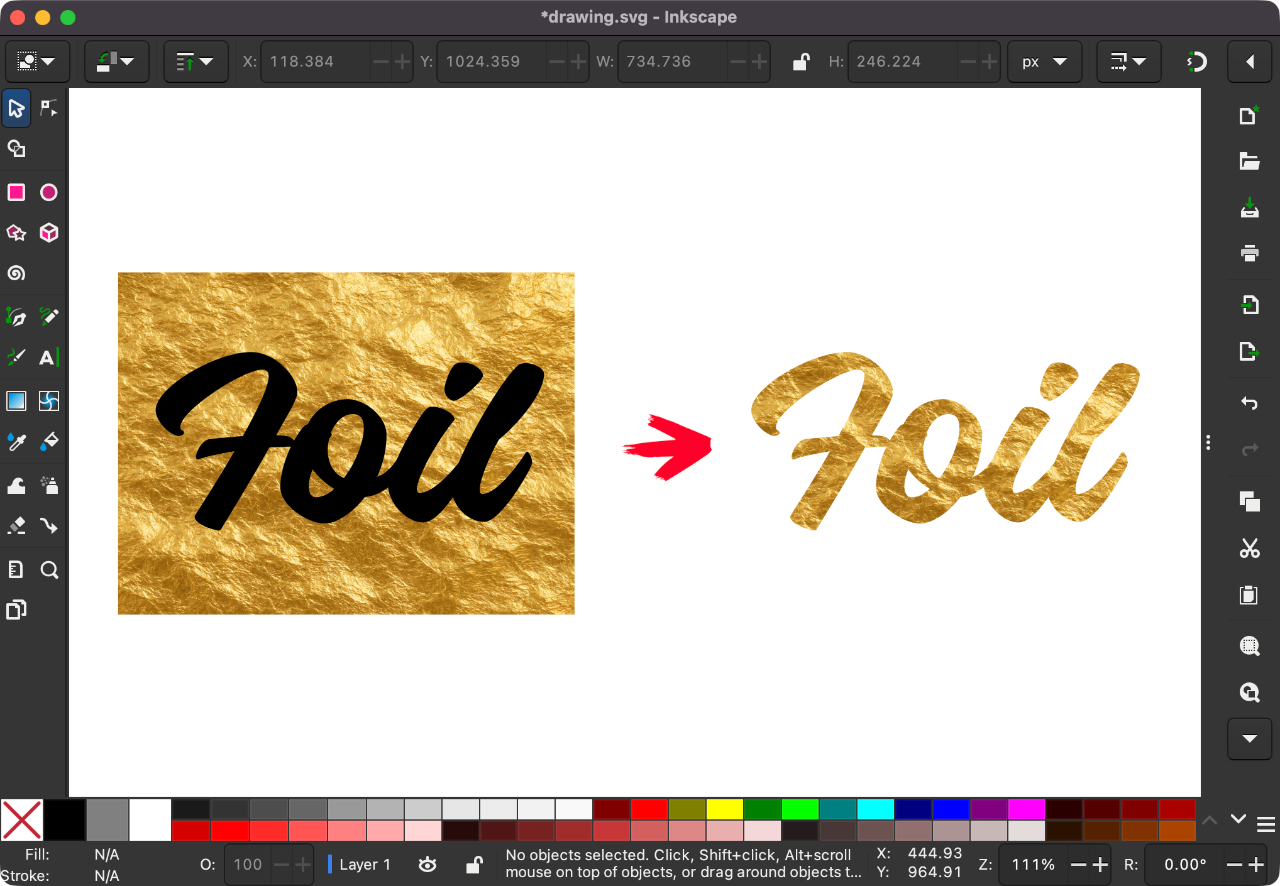
Click to enlarge
In GIMP, you can use them to create a gold paint effect:
You can also use them for clipping masks in Affinity, although the workflow is a little different than it is in Inkscape:
👇 Free Download
You can download a ZIP folder containing all 14 texture images (in JPEG) using the following link: 14-foil-textures.zip
All images were sourced from public domain libraries and can be used for personal or commercial purposes without need for attribution. Leave a comment below with any questions or feedback. Enjoy!
Learn To Master The SoftwareGain a complete understanding of your favorite design apps with my comprehensive collection of video courses. Each course grants access to our private community where you can ask questions and get help when needed.
|
||||||||||||||||||||||||||||||||
 81 Videos
 11 Modules


You might also like

12 comments
-
-
-
-
-
Jon
WOW! Thanks, Nick. These are awesome! Did you make them? If so, I would enjoy seeing a video on how to make them. Thanks, again!
-
Nick Saporito
I didn’t make the textures themselves. Those were sourced from the public domain, I just curated them. I did use them to make the header image though.
-
-
Ali
Thank you so much for the free foil textures! I’m in the middle of a fun packaging challenge and it might be fun to incorporate some foil emboss into a design and these will look great for a mockup! You’re awesome!
-
-
Kristen
Very cool! I often use metallic foil effects on event collateral requested by clients. These will be so helpful!
-
Nick Saporito
There’s a lot that can be done with these. Glad you can get some use out of them. Enjoy!
-
-
Greg
Nick, you totally taught me how to use inkscape. The master class is worth every dollar and more. Even though I have a decent handle on inkscape I still follow you on youtube and I am always looking for a new video from you. Thanks for all the content and help you provide. Blessings to you!
-


SouL
Thank so much! This is exactly what I was struggling with this week.