

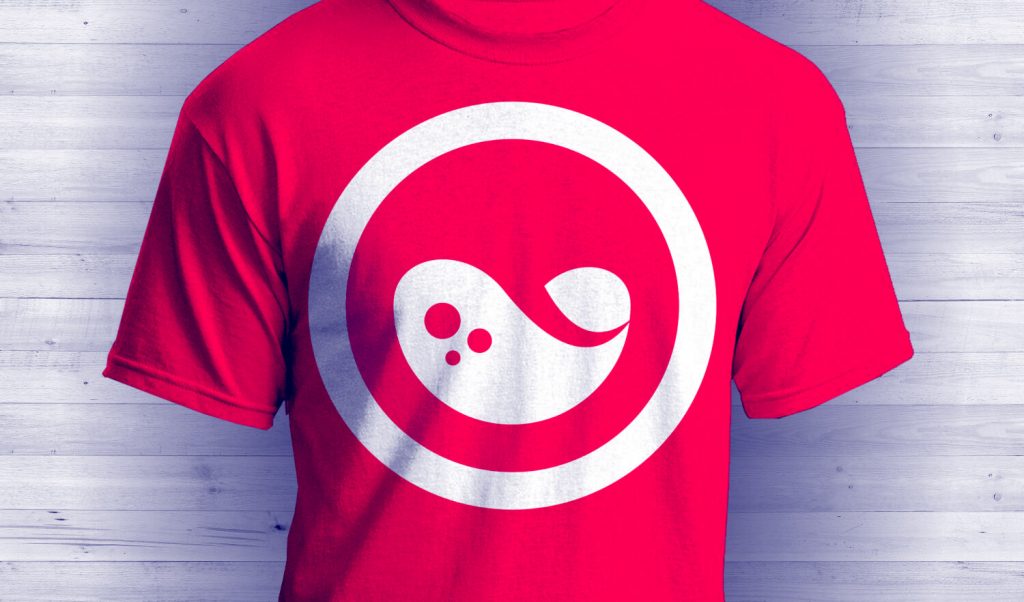
Create T Shirt Product Mockups with GIMP
Create T Shirt Product Mockups with GIMP https://logosbynick.com/wp-content/uploads/2018/10/t-shirt-mockup-gimp-1024x602.jpg 1024 602 Nick Saporito https://secure.gravatar.com/avatar/8e31bf392f0ba8850f29a1a2e833cdd020909bfd44613c7e222072c40e031c34?s=96&d=mm&r=gIn today’s tutorial I’ll be demonstrating how you can take a design and superimpose it onto a blank t shirt using GIMP.
I’ll also be demonstrating how to create the shirt in a variety of different colors.
GIMP T Shirt Mockups
The first thing we’re going to do is open up the blank t shirt photo with GIMP.
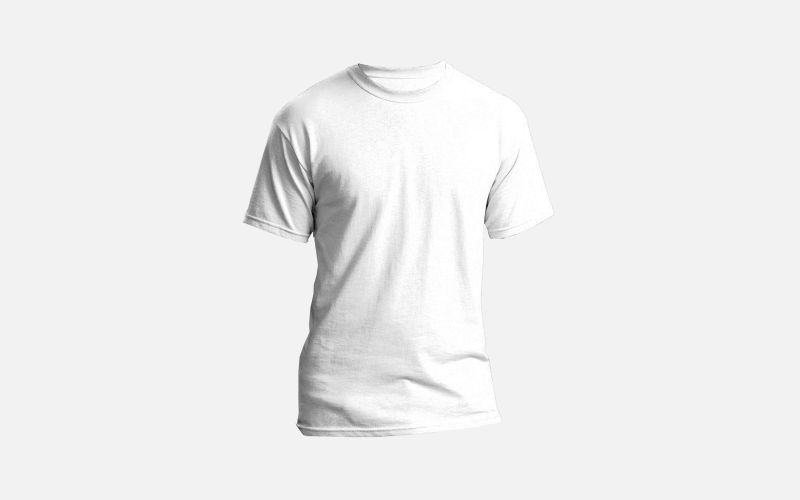
The image is a PNG file with a transparent background, so it should open in GIMP with a checkerboard background. Click the image below to download the blank shirt photo…
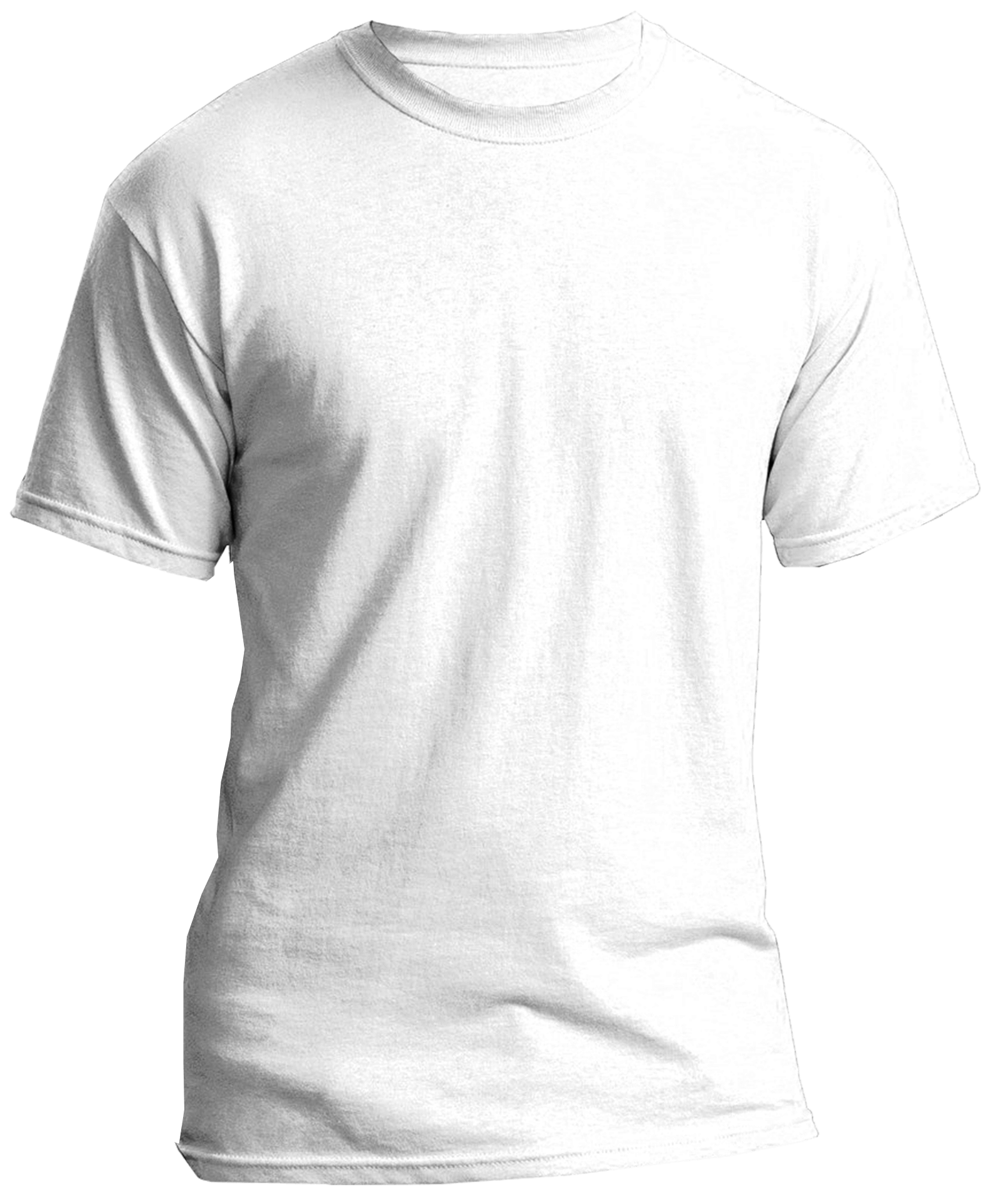
Click to download full size image
Next, we’re simply going to import our graphic as a new layer and set the blend mode to Darken Only. This will make it appear as if the graphic is printed onto the shirt, with crease lines and shadows included.
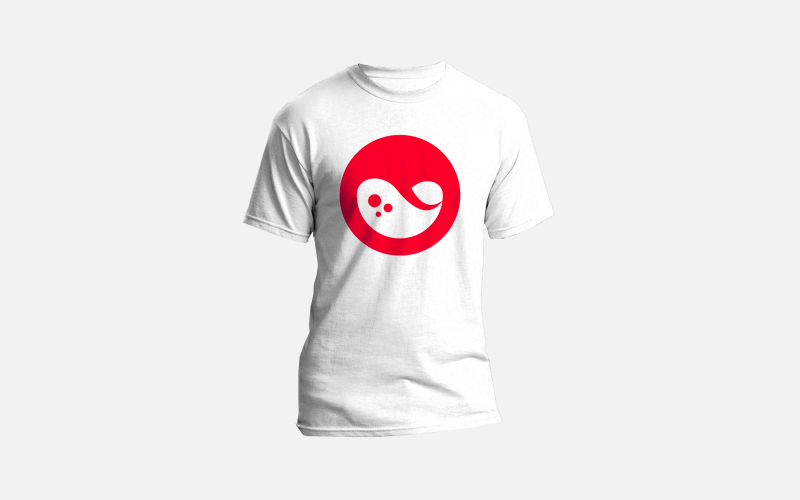
Make sure that the design you import is a PNG file with a transparent background. If you don’t have one on hand and would like to follow along with the tutorial for the sake of learning this technique, you can use the example liquid logo.

Click to download full size graphic
That completes the mockup process for white shirts. The process for coloring in the shirts is a little more involved, but still very simple.
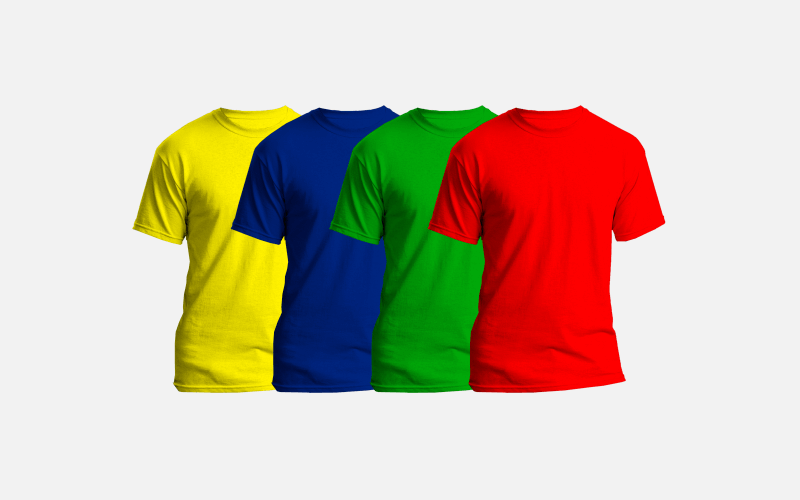
Create a new layer above the shirt layer, set the mode to Multiply, then fill the layer in with whatever color you’d like the shirt to be. Please note that it’s going to change the appearance of the logo as well.
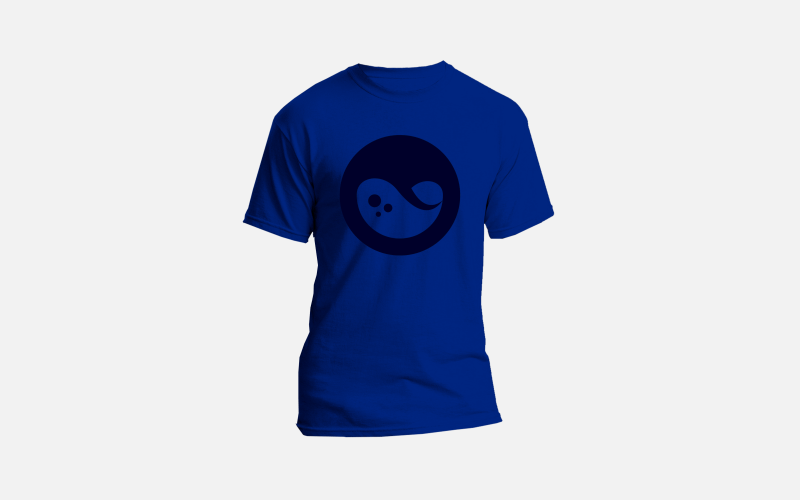
To fix this, we just have to delete a segment of the color layer so that the logo and can show through as it’s supposed to.
Right click on the layer with the logo on it and select Alpha to Selection. This is going to create a selection around your logo…
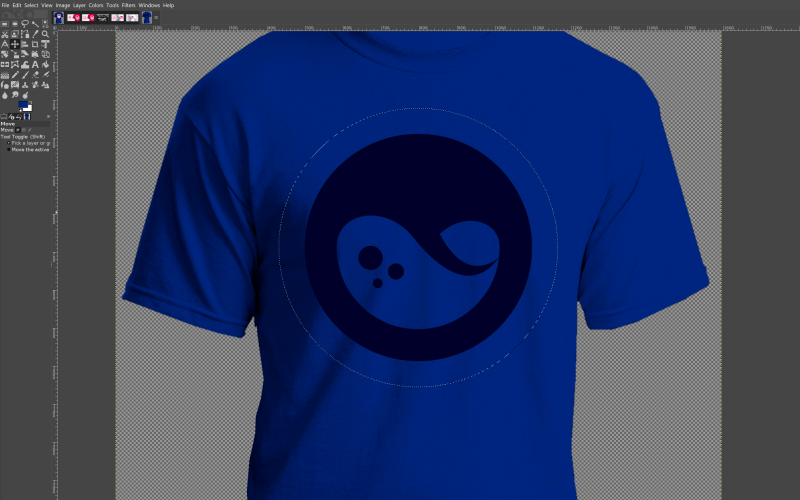
Now click on the color layer and simply press Delete on your keyboard, or if you’d using a Mac, go to Edit > Clear.
As a result, the logo will now show through the deleted area…
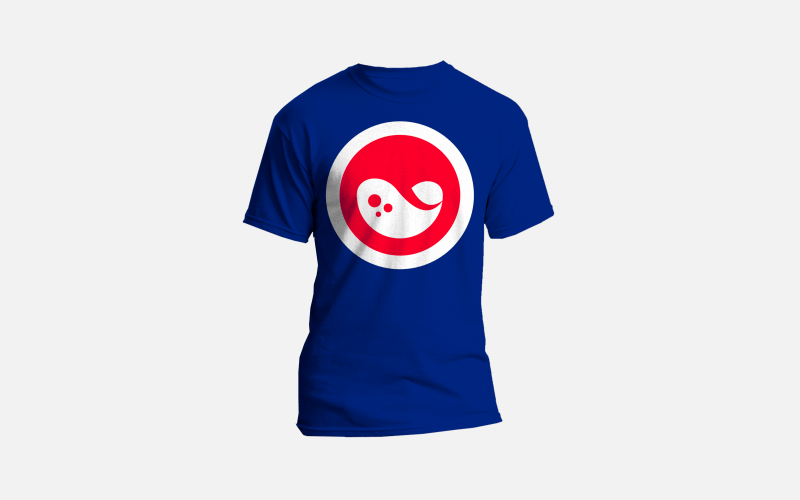
And with that, we are done! We’ve created our t shirt mockup.
Video Tutorial
For complete step-by-step instructions with voice narration, please refer to the video tutorial below. If you have any questions let me know, and as always, thanks for watching!
Learn To Master The SoftwareGain a complete understanding of your favorite design apps with my comprehensive collection of video courses. Each course grants access to our private community where you can ask questions and get help when needed.
|
||||||||||||||||||||||||||||||||
 81 Videos
 11 Modules

You might also like
23 comments
-
-
-
David
So, i’m trying to help Design a Paintball team jersey using gimp and im using “splatter brush” but they are basically all pixels when i zoom in a bit, is this the wrong way to go about it?
-
-
-
-
Kevin
First of all, thanks for the video! It really helped me! From where do you got the mockup? I need some mockups for Hoodies and T-Shirts for my new project.
-
Nas
Hi Nick,
Thanks for the tutorial, it is great as always.
I am not able to achieve the same result by using my own logo (.png file). When I change blend mode to “darken only”, nothing happens.
Please help!
-
Nick Saporito
Are you sure that you have the correct layer selected? If so, right click the layer and see if you can click “add alpha channel”
-
Nas
Thanks for the tip, I did have the correct layer selected and my layer has an alpha channel. I can see other layer modes having some sort of effect e.g. “overlay” mode seems to work but it changes the color.
I have added a white outline to my logo (as it is in your logo) and it works with “darken only” but I can’t have a white outline because it is visible on dark background.
Is there any other way to make it work without adding a white outline?
-
-
-


Comments are closed.
Ryan
How can I make a mockup with a black tshirt? All my shadows disappear when I change the foreground color to black and the “darken only” mode doesn’t work on the black tshirt photo I have