


Create A Gold Paint Effect with GIMP
Create A Gold Paint Effect with GIMP https://logosbynick.com/wp-content/uploads/2019/03/gimp-gold-paint-1-1024x602.jpg 1024 602 Nick Saporito https://secure.gravatar.com/avatar/8e31bf392f0ba8850f29a1a2e833cdd020909bfd44613c7e222072c40e031c34?s=96&d=mm&r=gIn today’s tutorial I’ll be demonstrating how to create a gold paint effect with GIMP. The following is just a brief overview of the steps taken. For complete step-by-step instructions with voice narration, please refer to the video tutorial below:
Gold Paint Effect
The first thing we’ll need to do is download the gold foil texture and open it with GIMP. Download the pack of gold textures at this link: 14-foil-textures.zip
Once we’ve opened the texture image with GIMP, we’re going to add a new layer on top of it and fill it with the color #121212. Then add some white text with a brush-style font…
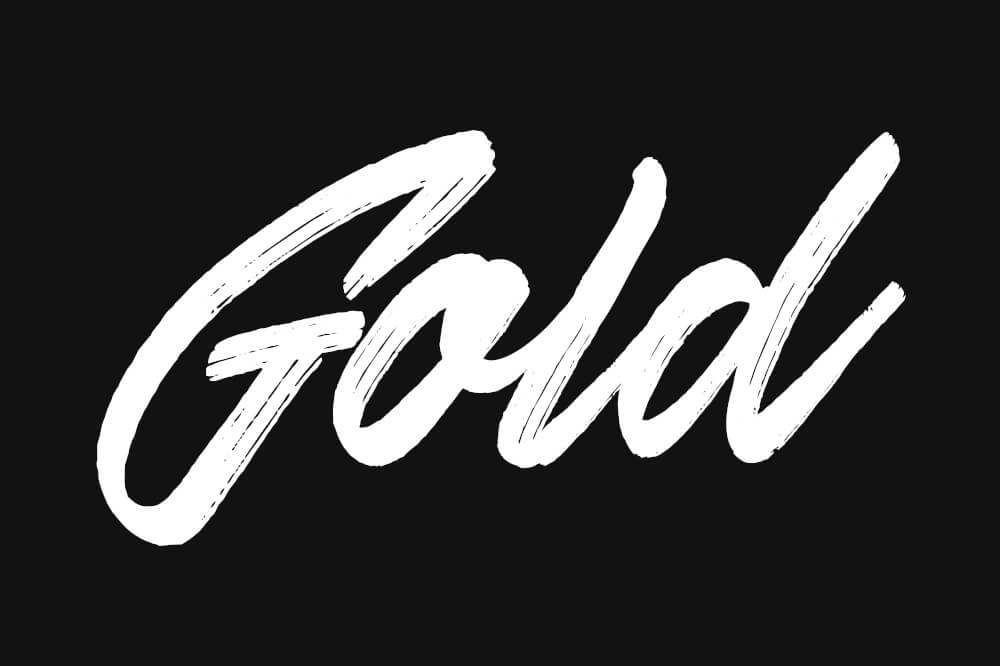
The font used for this tutorial is called Skywalker. It’s a premium font, but you can find some free alternatives here on Fontsquirrel.
Next we are going to create an alpha from selection using the text, then delete it from the black/gray layer so that it reveals the gold texture beneath it.
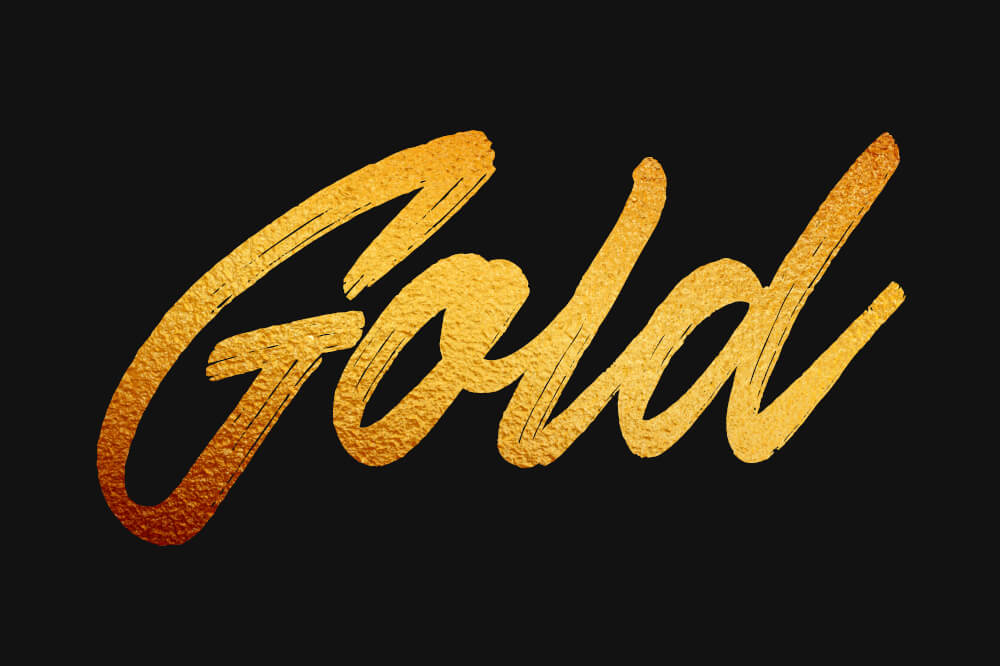
In order to give it the appearance that it’s been painted with a brush, we’re going to use the Warp Transform tool to manually brush the texture in the direction of each letter’s brush strokes.
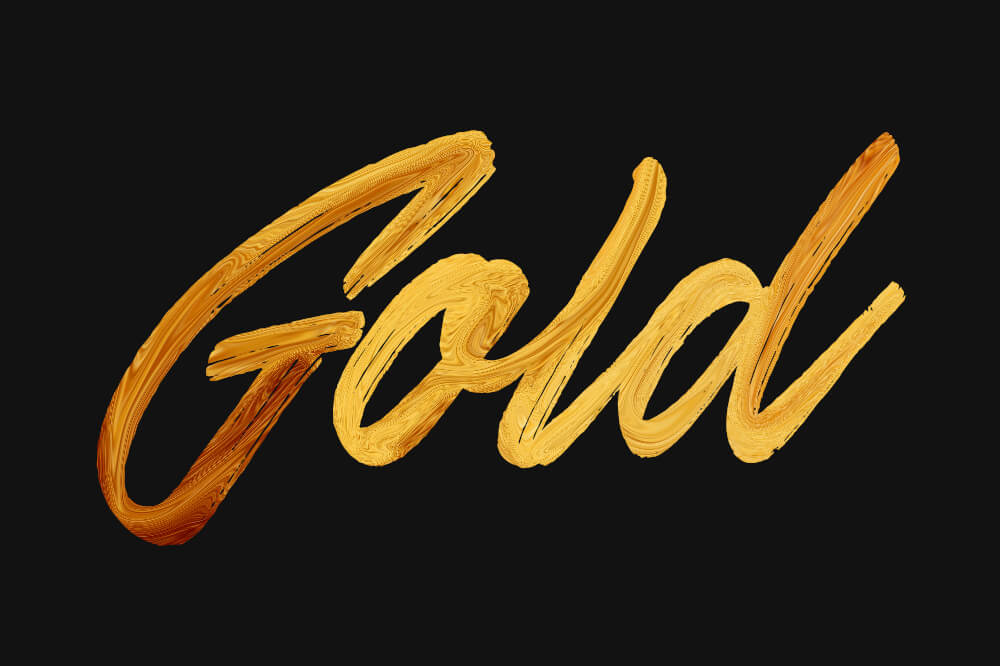
Now we’re going to create an inverted alpha to selection using the text, delete the black/gray layer, and delete the inverted selection from the gold texture layer so that we’re left with the gold brush text on a transparent background.
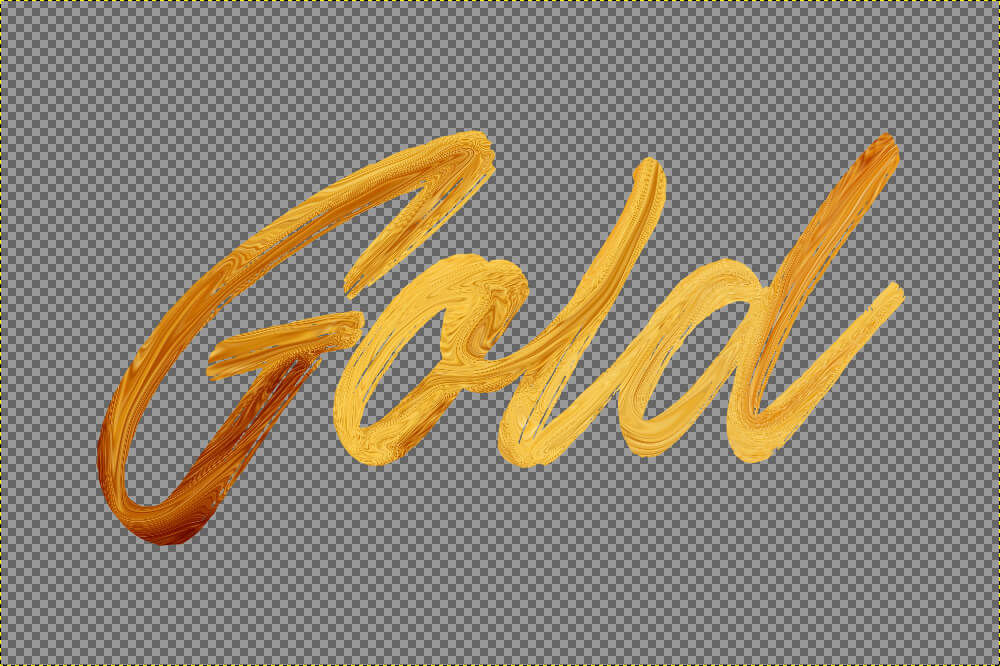
Once that’s done, it’s time to add a new black/gray layer beneath the gold text, then create a duplicate layer of the gold text, remove the saturation, and give it a slight Gaussian blur.
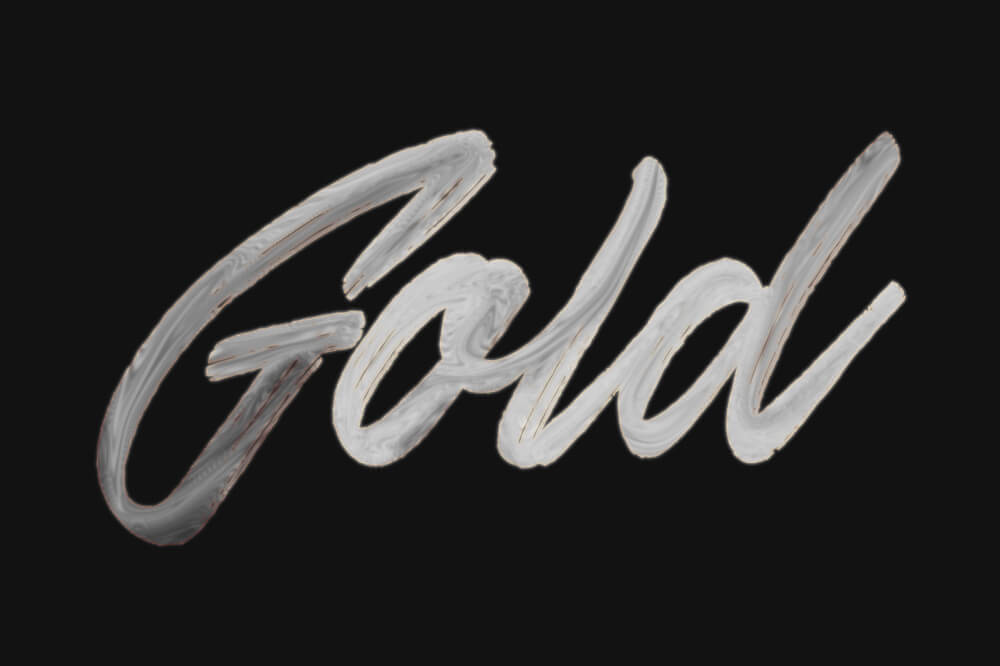
Finally, we’re going to use the Emboss filter to add a three-dimensional sort of texture to the paint.
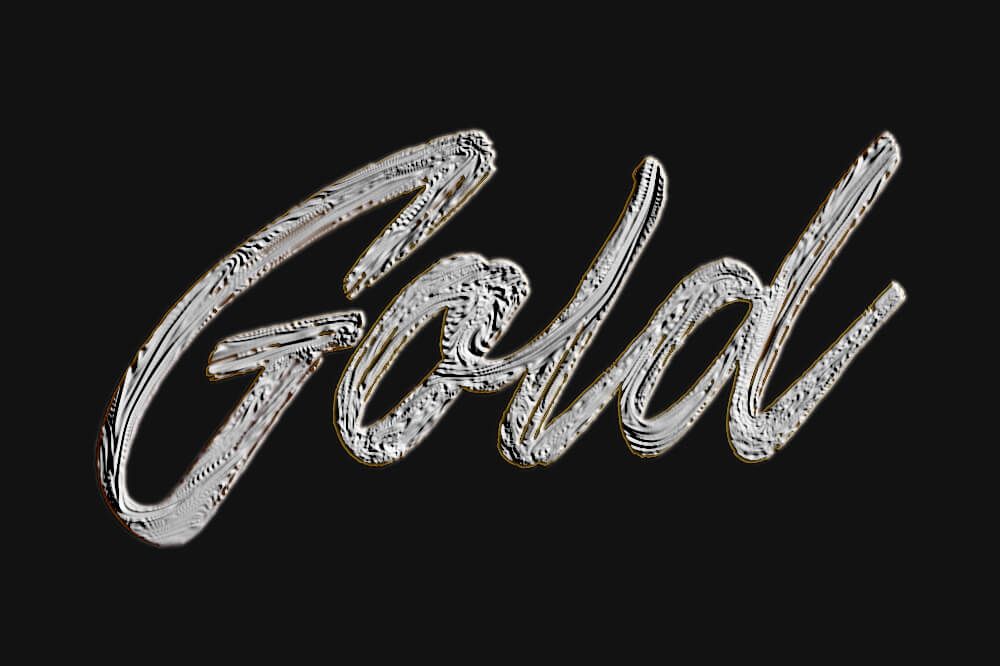
All we have to do now is set the blend mode of the emboss layer to Soft Light and we are finished…
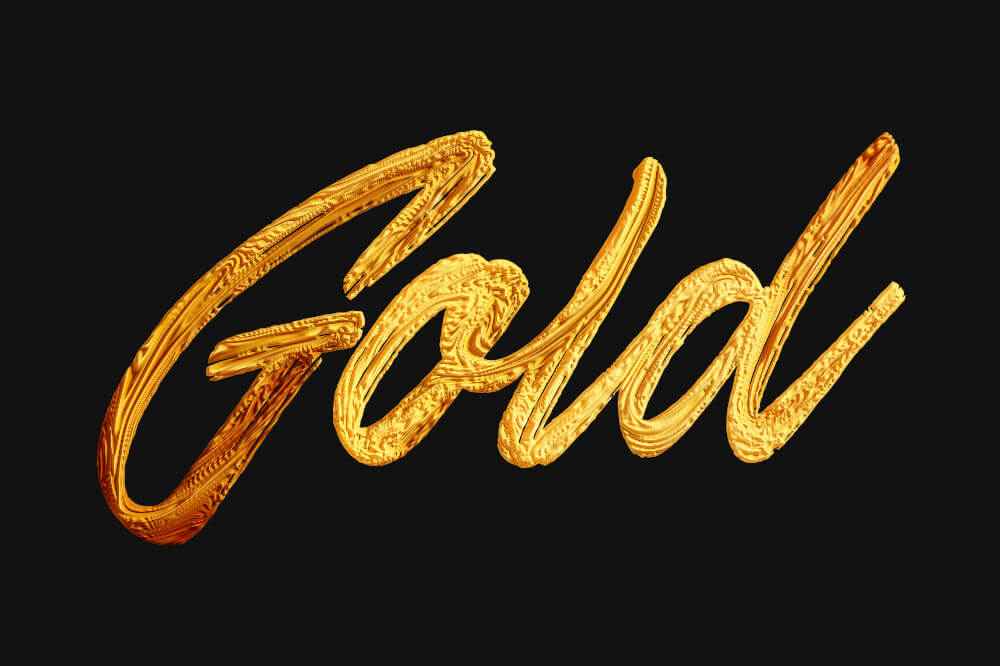
And there you have your gold paint text effect with GIMP.
If you have any questions leave a comment below, and as always, thanks for watching!
Learn To Master The SoftwareGain a complete understanding of your favorite design apps with my comprehensive collection of video courses. Each course grants access to our private community where you can ask questions and get help when needed.
|
||||||||||||||||||||||||||||||||

 81 Videos
 11 Modules


You might also like
14 comments
-
-
-
Alexander
The ending of the Video was the best part I took the technique you gave to make it look like an oil painting applied it to a picture of Bryce Canyon.
The effect is fantastic. I now have a picture that looks like an oil painting of the canyon. I tried it on a picture of a friend it worked I need to adjust the embossing number for a better picture. -
Victor
Someone here know why using the delete button doesn’t work (1:55). Can you give me an alternative way to delete the area)
-
Nick Saporito
It could be for a variety of reasons. Do you have the proper layer selected? Do you have a selection enabled like I do? Or you might be using a Mac, in that case you’ll have to go to Edit -> Clear
-
-
-
-
Karmanya
Hey Nick, I encountered a problem when I delete the selected alpha. The gold texture doesn’t show up as the text. Please help.
-
-
Naomi
Hi Nick,
Love the gold paint tutorial. I knew I would need it one day.
I’ve been asked to do this in rose gold however. Any suggestions as to how I could get the correct colour for this?
Cheers-
Nick Saporito
Thanks Naomi. I would try adjusting the color of the gold texture. You can do you that going to Colors > Colorize or Colors > Hue-Saturation.
-
-
Nigel
Awesome work nick. Can you do something like a poster design? it would really be of great help
-
-


Dara
HI! Great tutorial. Can you please explain how to save image to have printed on clothing without the background showing up. Thank you