

How To Design A Simple Logo with GIMP
How To Design A Simple Logo with GIMP https://logosbynick.com/wp-content/uploads/2018/10/gimp-logo-design-1024x602.png 1024 602 Nick Saporito https://secure.gravatar.com/avatar/8e31bf392f0ba8850f29a1a2e833cdd020909bfd44613c7e222072c40e031c34?s=96&d=mm&r=gIn today’s tutorial I’ll be demonstrating how you can design a very simple logo with GIMP. This tutorial is simple enough that any beginner should be able to follow along.
Before we get started, make sure to download and install the League Gothic font before you launch GIMP, otherwise the font won’t register in your directory until you restart GIMP. You don’t have to use this font though. You can use whichever font you’d like!
What follows is a brief overview of the steps taken to achieve the outcome. For complete step-by-step instructions, skip down to the bottom of the page to watch the video tutorial.
Designing A Logo with GIMP
First we are going to set up a new document sized at 1280 x 1280 pixels and create both vertical and horizontal guides halfway through the canvas.

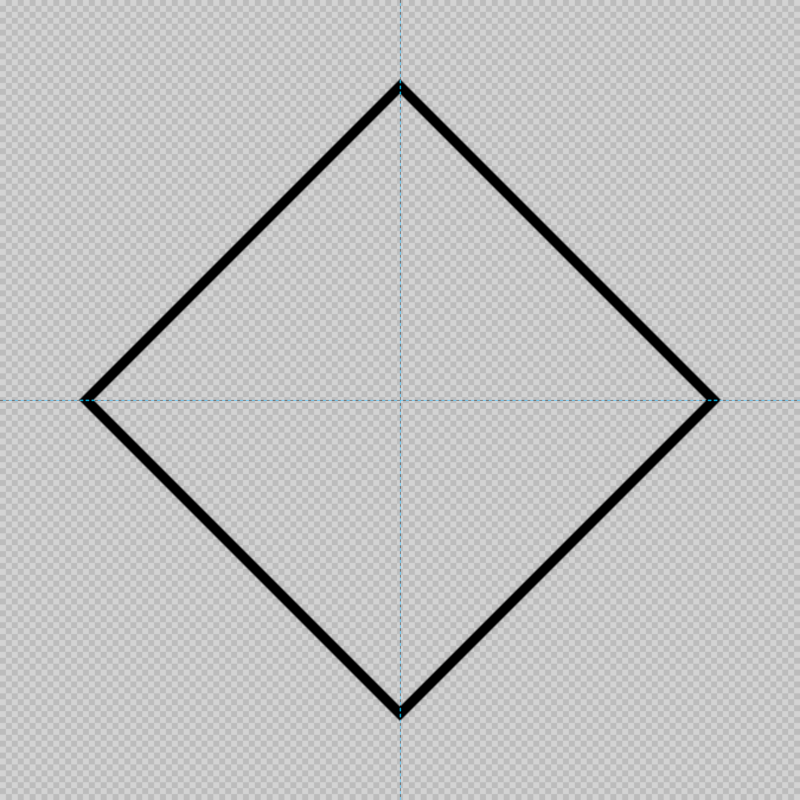
Next, we are going to create a square outline and rotate it around so that the corners sit vertically and horizontally on the canvas.
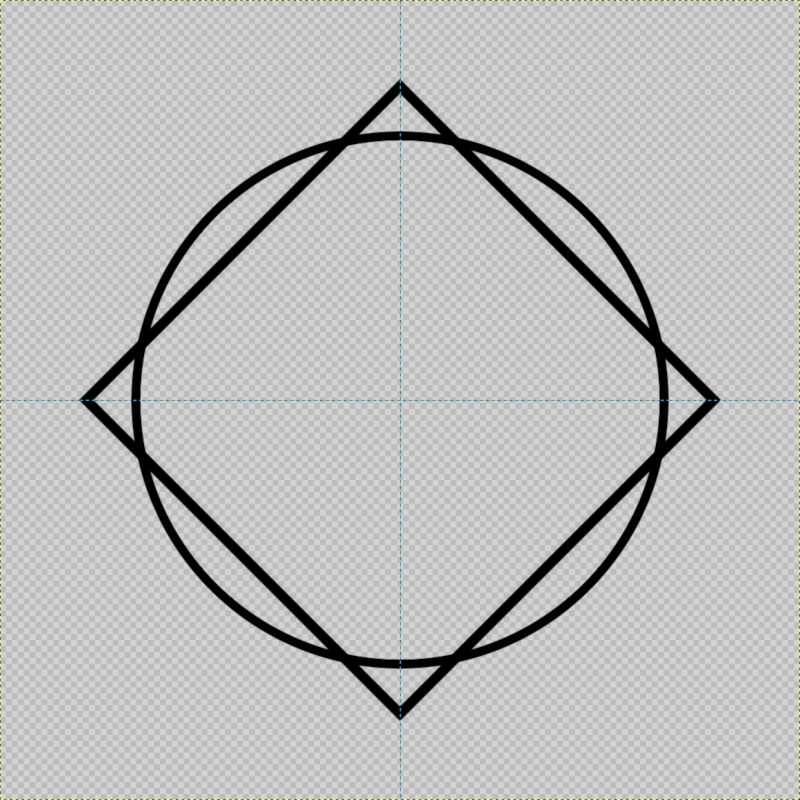
Once that’s done, we’re going to create a circular outline with a similar thickness, slightly smaller than the square, but big enough so that the corners of the square stick out from the edges of the circle.
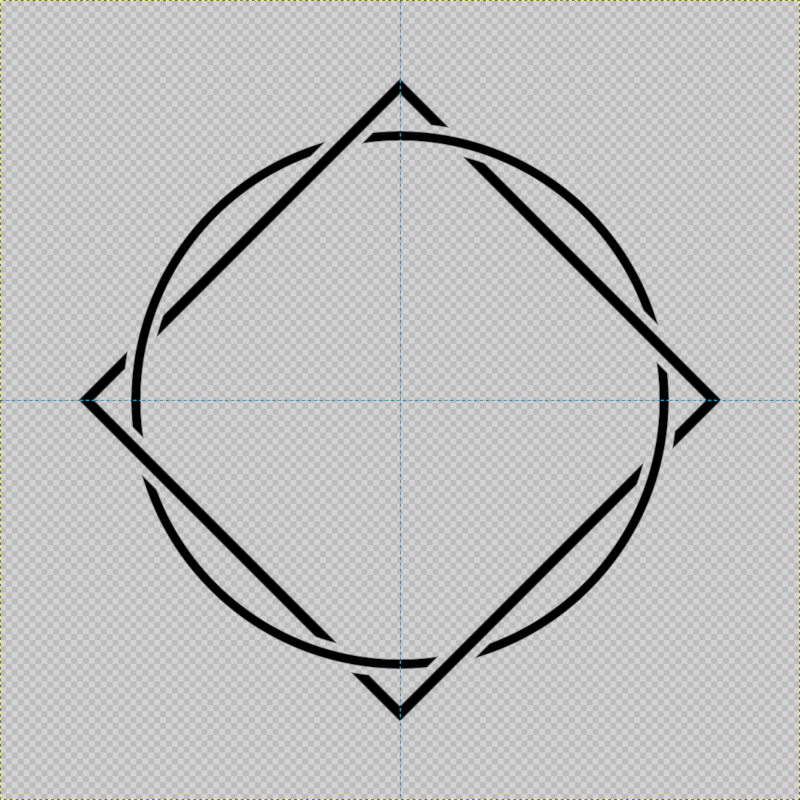
Once we have these two objects in place we’re going to use the grow selection function to delete specific segments from both the circle and the square to make it appear as if they both going under and over each other in sequence.
Once that’s done the hard part is out of the way and we’ll just need to add some text. For the sake of this tutorial I wrote “Simple Logo Design”, but you are obviously free to write whatever you’d like.
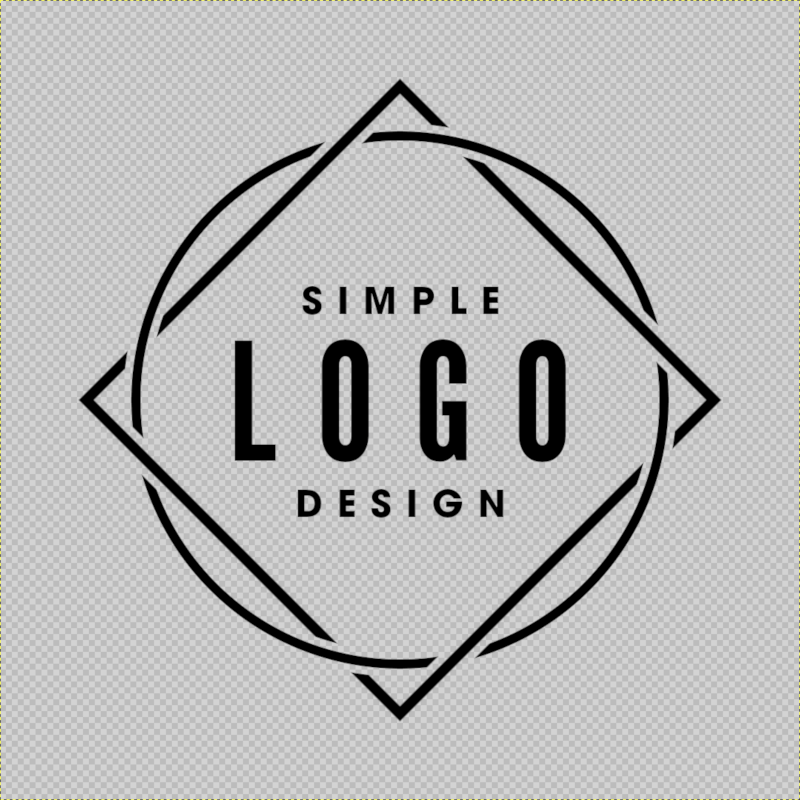
And with that we are done! We have completed out very simple logo design with GIMP. Now just export it as a .png file and you will have a high resolution logo file with a transparent background that you can overlay onto any background.
Video Tutorial
Watch the video below for complete step-by-step instructions with voice narration. If you have any questions then leave a comment below, and as always, thanks for watching!
Learn To Master The SoftwareGain a complete understanding of your favorite design apps with my comprehensive collection of video courses. Each course grants access to our private community where you can ask questions and get help when needed.
|
||||||||||||||||||||||||||||||||
 81 Videos
 11 Modules



You might also like
20 comments
-
-
-
Ak
Would love to use this design to put on my personal CV if that’s cool? Really clever creative process and found your video really easy to follow. Thanks
-
-
Arnav
Amazing!!
Can i use it for my YouTube Channel? I just want to know whether i have the permission to use it -
-
-
-
Vitali
Great work!
Can I use this Logo design for my website logo? ( the one with the circle and the square) I just wanna make sure I have permission and I’m not stealing it. Thank you.
Greetings from Germany. -
-
Dizzy
Can I use this Logo design for a school shirt? ( the one with the circle and the square) I just wanna make sure I have permission and I’m not stealing it. Thank you. (By the way I love the.l logo)
-
-
-
-
Rasmus van Guido
I’ve been trying to switch from Photoshp to open source software like GIMP. Logo design is a bit of a challenge for me in GIMP but you made your approach here seems very easy. My biggest challenge is when the logo I need to design requires gradients. Anyway thank you so very much for this tutorial. I guess I just need to practive more. Have a good one.
-
Nick Saporito
Yeah it takes time to get used to new software. If you work with gradients a lot (especially when designing logos) I would try out Inkscape. Inkscape handles gradients better than any other design software I’ve ever used, including Illustrator.
-
Rasmus van Guido
Wow, I actually have Inkscape in my computer for the longest time but I never get a chance to use it for any logo design or any design for that matter. One of my colleagues said it’s really good for making vector graphics so I installed it, but never get to use it, yet. I would look for some tutorial on Youtube, or if you have any recommeded Inkscape tutorial, I’d really appreciate it. Thank’s Nick.
-
Nick Saporito
I have plenty of Inkscape tutorials on YouTube if you want to check them out. I have a lot on this site as well: https://logosbynick.com/tag/inkscape/
-
Rasmus van Guido
Hahaha, “Logos By Nick,” found it! This is so cool. Subscribed. Done. Thanks a ton Nick!!!
-
-
-
-


Anonymous
where is the font?