

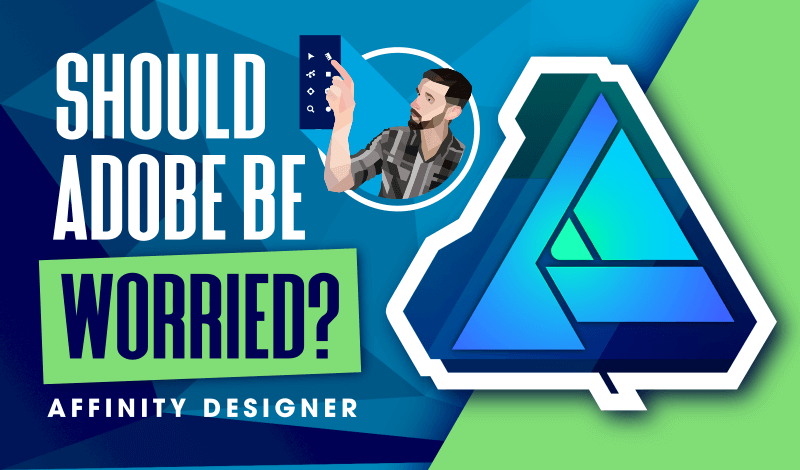
My Thoughts On Affinity Designer As An Inkscape User
My Thoughts On Affinity Designer As An Inkscape User https://logosbynick.com/wp-content/uploads/2020/06/affinity-vs-inkscape.png 800 470 Nick Saporito https://secure.gravatar.com/avatar/8e31bf392f0ba8850f29a1a2e833cdd020909bfd44613c7e222072c40e031c34?s=96&d=mm&r=gIn a recent video I made comparing Inkscape and Illustrator, I went over some of the things I both like and dislike about each, and one of the most common responses I got was to make a comparison between Inkscape and Affinity Designer. And this has not been an isolated incident by any means. A lot of you guys have been asking me about Affinity for a while now, so I recently decided to pick up a copy of it and check it out for myself.
Check out the video I made below:
If you don’t know what Affinity Designer is, it’s a vector graphics editor similar to Inkscape and Illustrator, and it’s developed by a company known as Serif. Unlike Adobe’s subscription-based pricing model, Affinity Designer is just a one-time purchase and you’re done. You get to own the software as opposed to being forced to rent it like you are with Illustrator.
From what I can tell, Affinity seems to fit in the middle between both Inkscape and Illustrator. On one end of the spectrum, you have the expensive industry standard that’s used professionally in institutuions like universities and design agencies. Then, on the other end of the spectrum, you have a free and open source alternative that can be used by hobbyists and anyone looking to familiarize themselves with vector design.
Affinity sits right in the middle. It has the features and support that you would expect from a professional piece of software, but at the same time it comes with a price tag that makes it accessible for almost anyone. Based on their website, it looks like it normally sells for about $50 USD, but they had a sale going when I checked it out so I was able to grab a copy for $25. And just to clarify, this not a sponsored video. I’m not being paid to promote this product, and I don’t have any affiliate links to promote. I’m making this video because you guys have mentioned this and asked me about it so many times that I just had to check it out.
As someone who has been using Inkscape professionally for over a decade, I’m going to give you my first impressions of Affinity in this video. But to be fair, I really haven’t had enough time to get my hands dirty with this software and learn all of its quirks and nuances, so this is by no means a proper review. This is more or less a first impression, coming from someone who has logged countless hours into both Inkscape and Illustrator.
Let me know what you guys think in the comments below. Have you used Affinity? And if so, how do you like it? More importantly, would you be interested in seeing Affinity tutorials on this channel once I’ve become a little more proficient with it?
If you have any questions just leave a comment below, and as always, thanks for watching!
Learn To Master The SoftwareGain a complete understanding of your favorite design apps with my comprehensive collection of video courses. Each course grants access to our private community where you can ask questions and get help when needed.
|
||||||||||||||||||||||||||||||||
 81 Videos
 11 Modules



You might also like


15 comments
-
-
Mark R.
just installed designer based on your review but unfortunately it does not import/export dxf files. Looks like people have been requesting this for about 6 years and Serif has not been able to implement this basic feature. Lost confidence into this company and I will install inkscape now.
-
Nick Saporito
Thanks for letting me, Mark! That’ll be helpful if anyone asks me about this. Although I don’t work with DXF file personally, a lot of my students do.
Have you tried converting the DXF file to a different format (like SVG) and then opening it with AD? That might work.
-
-
Canikah Lockett
Hello nick thanks for this video and posting tutorials, did you ever do an in-depth review of this software?
-


Comments are closed.
brook kelly
nioce