

GIMP 2.10 Layer Effects Plugin | Free Download
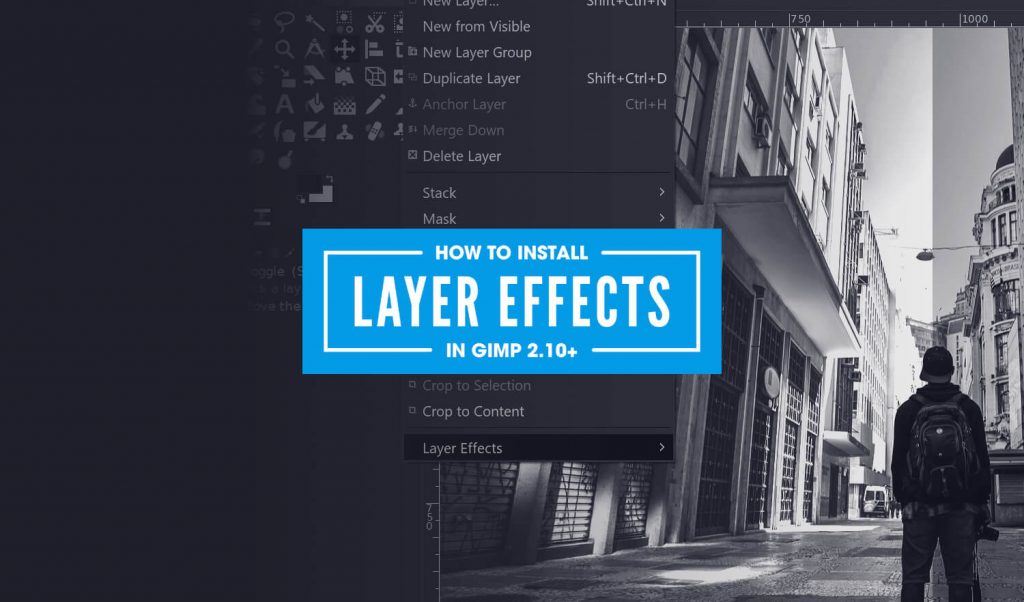
GIMP 2.10 Layer Effects Plugin | Free Download https://logosbynick.com/wp-content/uploads/2019/03/gimp-layer-effects-plugin-1024x602.jpg 1024 602 Nick Saporito https://secure.gravatar.com/avatar/8e31bf392f0ba8850f29a1a2e833cdd020909bfd44613c7e222072c40e031c34?s=96&d=mm&r=gIn this post I’ll be demonstrating how to download and install the GIMP 2.10 Layer Effects plugin — a third party tool that adds neat features to GIMP, like Bevel and Emboss.
Layer Effects Plugin
The Layer Effects plugin adds a new sub menu to the bottom of the Layers menu in GIMP.
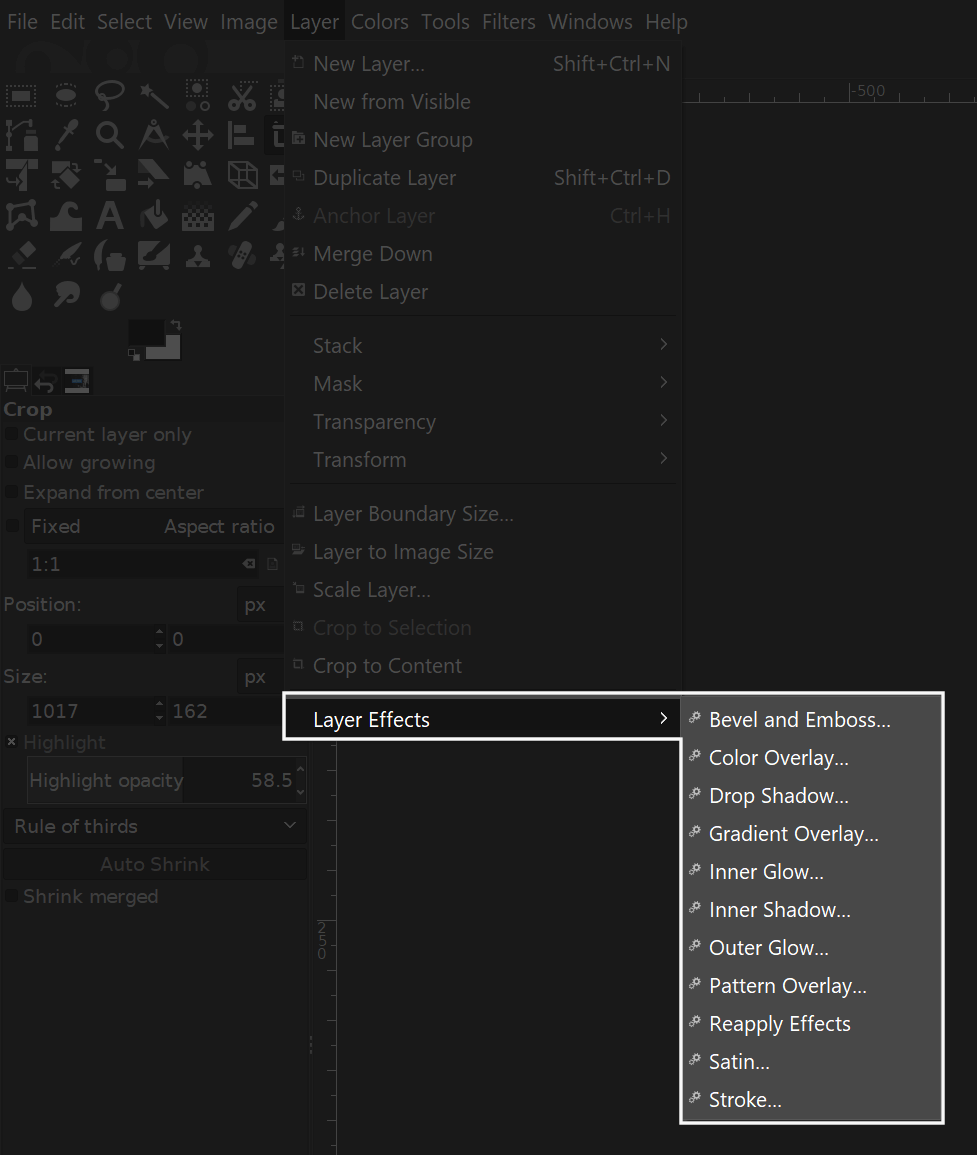
It adds an assortment of features — many of which now come standard in newer versions of GIMP — but the one feature that I really like is the Bevel and Emboss tool. Here’s a tutorial that makes good use of it…
At some point in the past you may have come across a similar GIMP tutorial that utilizes Layer Effects, but when you followed the download link, you were probably greeted with an error page…
I ran into this problem the other day and it was quite frustrating, so I figured I’d make a post sharing my findings after doing a bit of digging around.
As it turns out, I was able to find a Reddit post where someone shared a download link that someone had uploaded to DropBox.
The plugin can be downloaded here: Layer Effects
All credit goes to Jonathan Stipe, the creator of the plugin.
How To Install Layer Effects in GIMP 2.10
For Windows users, to install the Layer Effects plugin in GIMP 2.10, simply grab the layerfx.py file from the .zip folder and place it in the following directory…
Local Disc (C:) > Program Files > GIMP 2 > lib > gimp > 2.0 > plug-ins

Now go ahead and restart GIMP. The Layer Effects sub menu should appear at the bottom of the Layers menu in the toolbar.
For users of other operating systems: unfortunately I can’t say for sure whether or not this will work. I do know that the file needs to be placed in the plug-ins folder, but I can’t say for sure if the pathway is the same.
If you have any questions or run into any problems, please leave a comment below and I’ll see if I can help.
Learn To Master The SoftwareGain a complete understanding of your favorite design apps with my comprehensive collection of video courses. Each course grants access to our private community where you can ask questions and get help when needed.
|
||||||||||||||||||||||||||||||||

 81 Videos
 11 Modules



You might also like
58 comments


Comments are closed.
Amy
If there is any way to make this work with 3.x I’d love to know. I was recently forced to update gimp and the current “Add Bevel” filter just doesn’t cut it for me.