

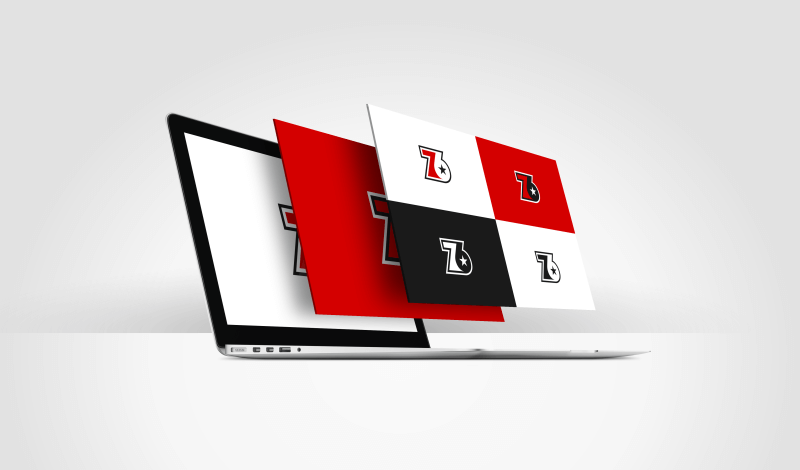
Logo Presentation Template for Clients | Free Download
Logo Presentation Template for Clients | Free Download https://logosbynick.com/wp-content/uploads/2019/12/logo-presentation-template-1.png 800 470 Nick Saporito https://secure.gravatar.com/avatar/8e31bf392f0ba8850f29a1a2e833cdd020909bfd44613c7e222072c40e031c34?s=96&d=mm&r=gIn this post I’ll be sharing a copy of the template that I use to present logo ideas to my clients. This is useful because it lays out all of the potential design choices in numbered rows and displays how they look on a light background, a dark background, and in monotone.
One of the members of my logo design academy requested that I share a copy of this template after watching the client presentation section of the course, and I thought it would be helpful to share a copy of it here on my blog as well.
Logo Presentation Template
Whenever I present logo designs to a client, I usually offer several design ideas to choose from. The way that I do this is by placing each design on its own row, and in 3 different columns that display variations of how the design will look under the following conditions…
- In color, on a white background
- On a dark background
- In monotone
Logos need to be versatile enough to work in many in different contexts, and because of that you will typically need to provide your client with color variations that they can use on any color background. This logo presentation template allows the client to visualize how their logo would look in those contexts.
Here’s an example of the template in use…
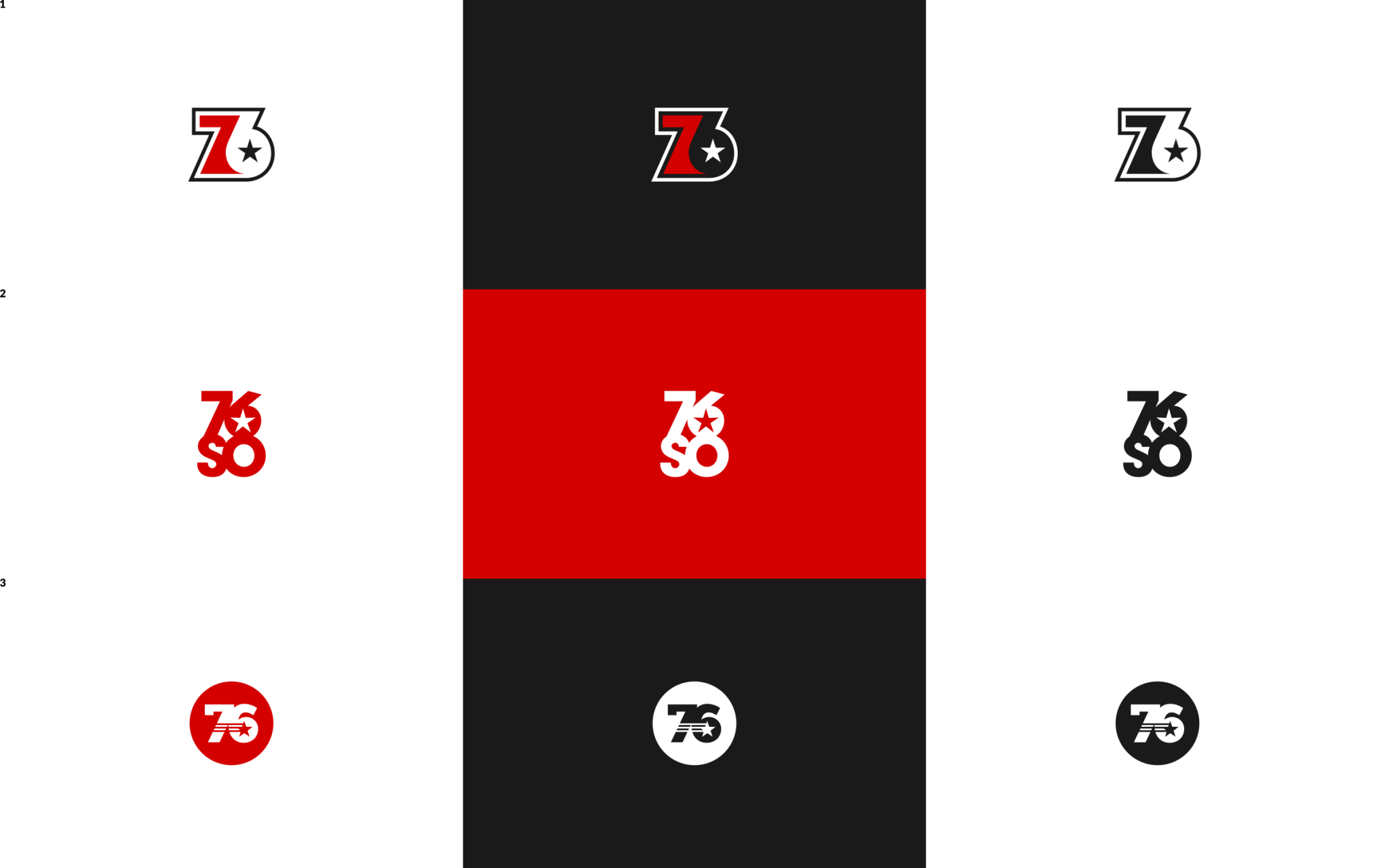
Click to enlarge
Each box of the logo presentation template is sized at 800px by 500px. This is typically a large enough size for the client to get a good enough view of the logos on any device (desktop, tablet, phone,) but not so large that it’s going to hog disk space.
Free Download
You can download a free copy of the template here: Logo-Presentation-Template.zip
Here’s how the blank template looks…

Click to enlarge
I’ve included two copies — one for Inkscape users (.svg) and one for Illustrator users (.ai.) However, the the SVG copy can be used with any vector graphics software, not just Inkscape.
I use this template so frequently that I’ve set it as my startup document in Inkscape so that every time I launch Inkscape, it opens this document instead of the standard blank document. I have a tutorial on changing Inkscape’s startup file here if you’d like to do the same.
Use it however you’d like. No attribution or credit necessary. Enjoy!
Learn To Master The SoftwareGain a complete understanding of your favorite design apps with my comprehensive collection of video courses. Each course grants access to our private community where you can ask questions and get help when needed.
|
||||||||||||||||||||||||||||||||
 81 Videos
 11 Modules

You might also like


9 comments
-
-
-
Kenyan Grafik
Hi Nick, I have been reading your articles and this resource is very nice. Thanks for helping us in all sorts of ways.
-
Muhammad Hamrozi
Hi Nick! Thank you so much for the blog.
I wonder, if I wanted to send the concept to the client. What kind of file I should send?
Thank You
-Ozi -
-
-
-
Frank Okunwe
Thank you for this, I normally do this on the design brief, just colored and grayscale, incorporating this in future deliveries would be such an upgrade, once again, thank you!
-
Trenton
Good stuff. Thanks for everything. I’m very grateful to have found you on the net.
May your charity increase as much as your wealth.


Eileen
Thank you, very helpful!