

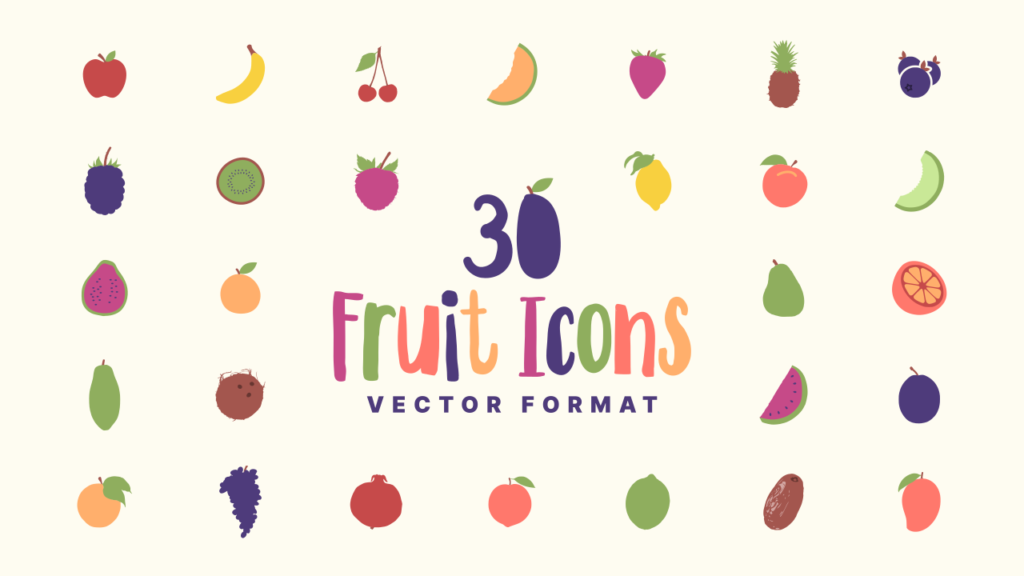
30 Fruit Icons in Vector Format
30 Fruit Icons in Vector Format https://logosbynick.com/wp-content/uploads/2026/01/header-1024x576.png 1024 576 Nick Saporito https://secure.gravatar.com/avatar/8e31bf392f0ba8850f29a1a2e833cdd020909bfd44613c7e222072c40e031c34?s=96&d=mm&r=gDownload this pack of 30 vector fruit illustrations that you can use as icons and decorative elements in your artwork.
Below you will find a download link for a collection of 30 common fruits depicted in a simple but colorful vector format.
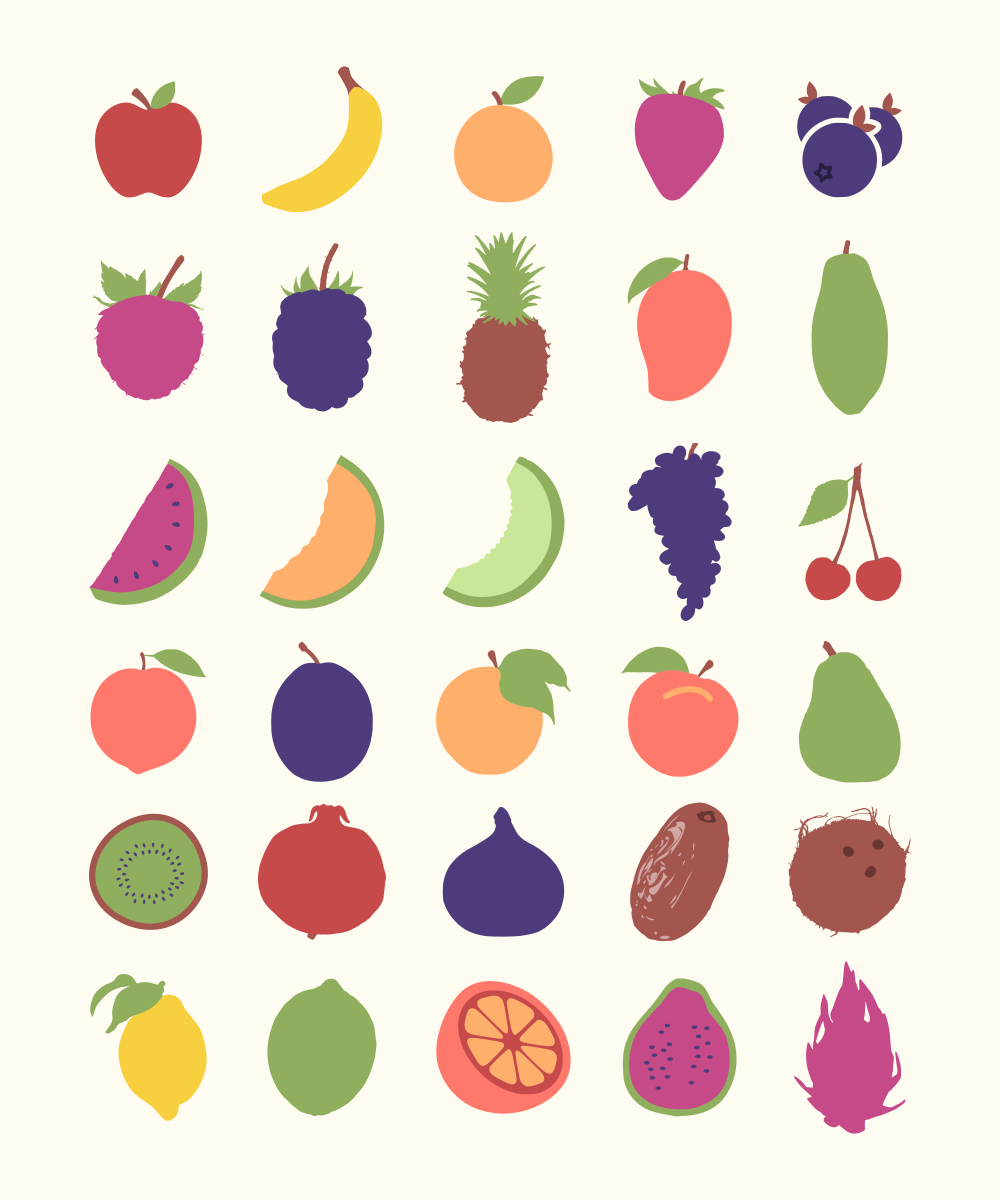
Click to enlarge
Fruits included:
- Apple
- Banana
- Orange
- Strawberry
- Blueberries
- Raspberry
- Blackberry
- Pineapple
- Mango
- Papaya
- Watermelon
- Cantaloupe
- Honeydew
- Grapes
- Cherries
- Peach
- Plum
- Tangerine
- Nectarine
- Pear
- Kiwi
- Pomegranate
- Fig
- Date
- Coconut
- Lemon
- Lime
- Grapefruit
- Guava
- Jackfruit
They come in SVG format and can be edited with any vector design software. They work in color and also remain recognizable when reduced to monotone silhouettes:
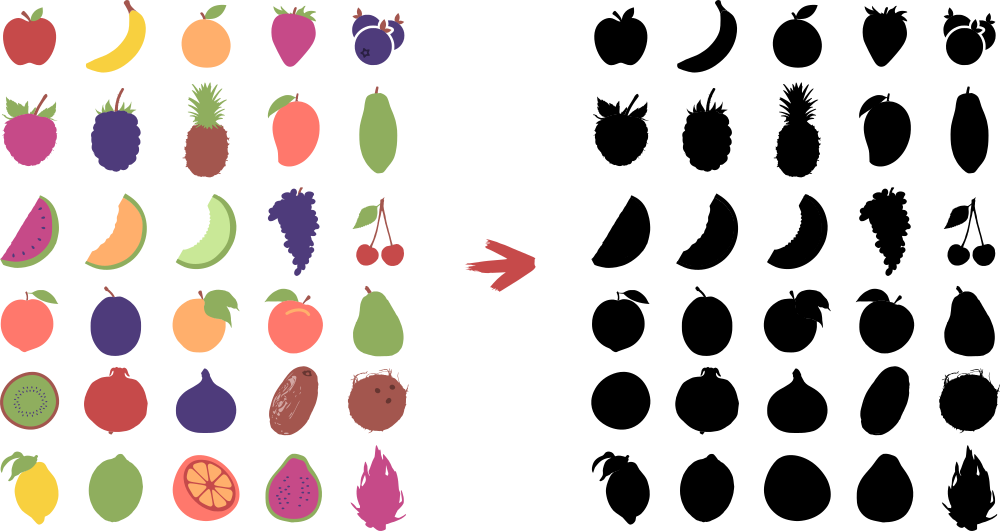
Click to enlarge
They can be used as icons, patterns, or placed in more elaborate illustrations such as emblems, patches, or header images.
Free Download 👇
You can download the entire pack using the following link: fruit-illustrations.zip
These were all manually traced into vectors from public domain imagery, then edited further to add color. Feel free to use them however you’d like, whether it be for personal or commercial purposes. No attribution necessary.
Learn To Master The SoftwareGain a complete understanding of your favorite design apps with my comprehensive collection of video courses. Each course grants access to our private community where you can ask questions and get help when needed.
|
||||||||||||||||||||||||||||||||

 81 Videos
 11 Modules







Roy Peterson
Thank you. Now I have to learn and remember to use them.